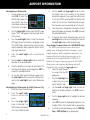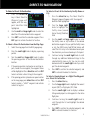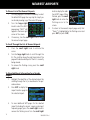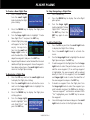
1
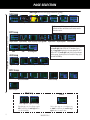
KEYS AND KNOBS
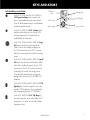
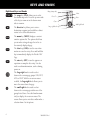
Right-hand Keys and Knobs
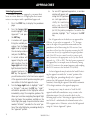
Range (map scale)
range key (RNG) allows you to select
R The
the desired map scale. Press the up arrow side
of the key to zoom out or the down arrow
side to zoom in.
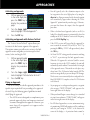
direct-to key allows you to enter a
D The
destination waypoint and establishes a direct
course to the selected destination.
Direct-To
Large right knob
you to make settings changes that relate to
the currently displayed page.
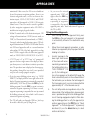
The clear key (CLR) is used to erase information or cancel an entry. Press and hold this
key to immediately display the Default NAV
Page.
enter key (ENT) is used to approve an
E The
operation or complete data entry. It is also
used to confirm information, such as during
power on.
t
The large right knob is used to select
between the various page groups: NAV, WPT,
AUX or NRST. With the on-screen cursor
enabled, the large right knob allows you to
move the cursor about the page.
r
The small right knob is used to select
between the various pages within one of the
groups listed above. Press this knob momentarily to display the on-screen cursor. The
cursor allows you to enter data and/or make a
selection from a list of options.
4
Enter
Clear
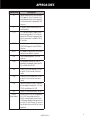
menu key (MENU) displays a contextm The
sensitive options list. The options list allows
c
Menu
190-00356-01 Rev J
Small right knob