1
Installing Scan to Microsoft SharePoint
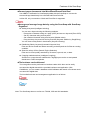
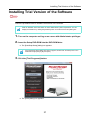
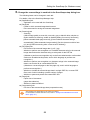
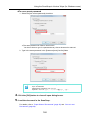
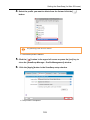
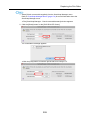
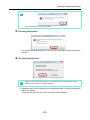
4. Click the [Install] button.
D Installation starts.
5. Follow the instructions on the screen to complete the installation.
z Refer to "Readme" of Scan to Microsoft SharePoint for more details about the installation. You can display the "Readme" by clicking the [Readme] button on the [Scan to
Microsoft SharePoint] dialog box.
z For information on how to use Scan to Microsoft SharePoint, refer to the Scan to
Microsoft SharePoint User Guide. You can display the Scan to Microsoft SharePoint
User Guide by clicking on the [Manual] button on the [Scan to Microsoft SharePoint]
dialog box.
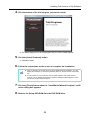
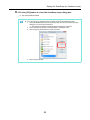
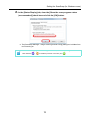
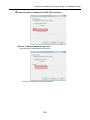
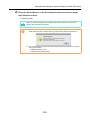
6. Click the [Finish] button when the "InstallShield Wizard Complete" notification dialog box appears.
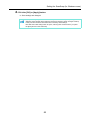
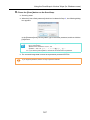
7. Remove the Setup DVD-ROM from the DVD-ROM drive.
36












































































































![6.Premere il tasto [Scan] di ScanSnap.](http://vs1.manualzilla.com/store/data/006124509_1-c373424b04faf23db72c3ba5efd11184-150x150.png)