1
TOP
Contents
Index
Chapter 6 Daily Care
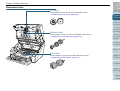
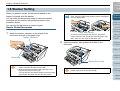
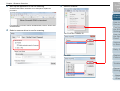
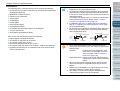
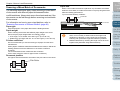
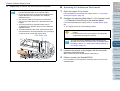
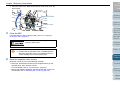
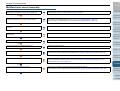
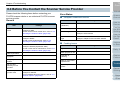
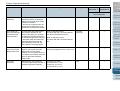
Document Sensor
z
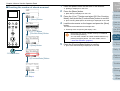
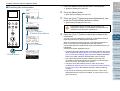
Clean off the dust quickly.
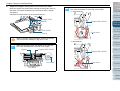
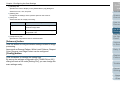
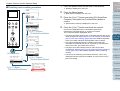
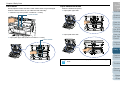
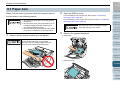
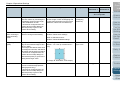
z Inside the top cover (sensors: 2 units)
Paper path lower-side (sensors: 9 units)
Document Sensor
Introduction
Document Sensor
Scanner
Overview
How to Load
Documents
Configuring
the Scan
Settings
Document Sensor
z
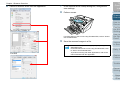
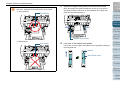
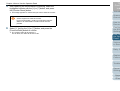
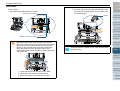
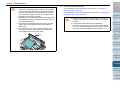
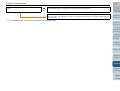
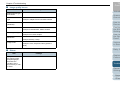
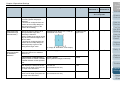
Paper path upper-side (sensors: 9 units)
Document Sensor
How to Use
the Operator
Panel
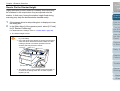
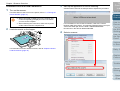
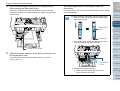
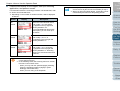
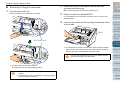
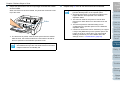
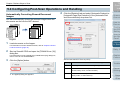
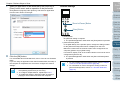
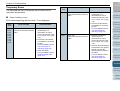
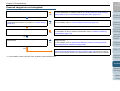
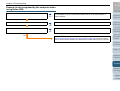
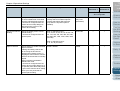
Friction Pad (2 units)
Quickly clean off the dust.
Friction pads are located on the hopper table.
Various Ways
to Scan
Daily Care
Friction Pad
Document Sensor
Replacing
Consumables
Troubleshooting
Operational
Settings
Appendix
Glossary
128