1
Chapter 3 Configuring the Scan Settings
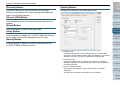
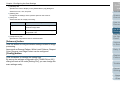
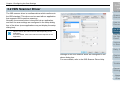
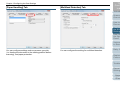
[Main] Tab
[Layout] Tab
TOP
Contents
Index
Introduction
Scanner
Overview
How to Load
Documents
Configuring
the Scan
Settings
How to Use
the Operator
Panel
Various Ways
to Scan
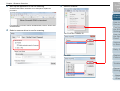
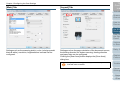
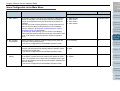
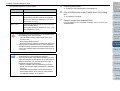
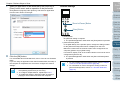
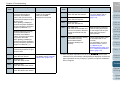
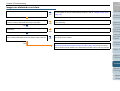
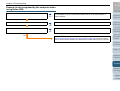
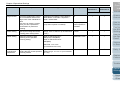
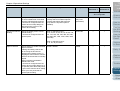
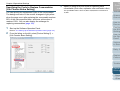
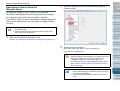
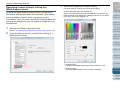
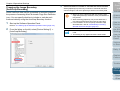
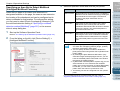
Settings such as the scanning side(s), color (color/grayscale/
black & white), resolution, brightness and contrast can be
configured.
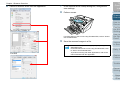
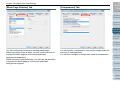
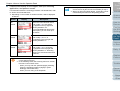
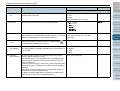
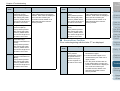
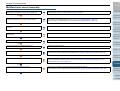
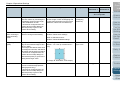
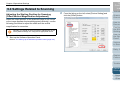
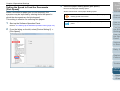
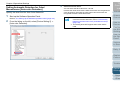
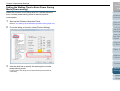
Settings such as the page orientation of the document to scan,
the binding direction for duplex scanning, feeding direction
and paper size can be configured.
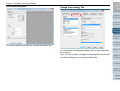
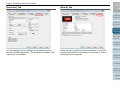
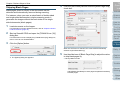
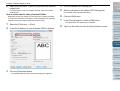
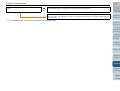
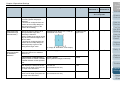
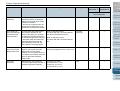
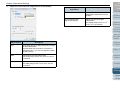
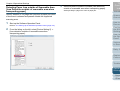
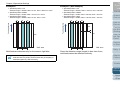
Clicking the [Scan Area] button displays the [Scan Area]
dialog box.
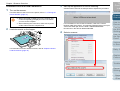
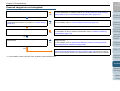
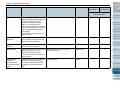
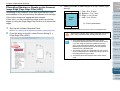
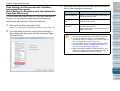
For [Image Orientation], [Automatic] is available only when
ScandAll PRO is installed.
Daily Care
Replacing
Consumables
Troubleshooting
Operational
Settings
Appendix
Glossary
54