1
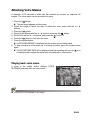
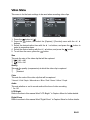
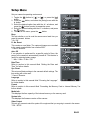
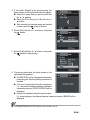
Recording Voice Memos A voice memo can be recorded once for 30 seconds in the still image mode immediately following a still image capture. 1. 2. 3. 4. 5. Press the button to [ ]. Press the button, and select the [Function] menu with the f button. Select [Voice Memo] with the c / d buttons, and press the button. Select [On] with the c / d buttons, and press the button. Press the button to exit from the menu. An [ ] icon is displayed on the screen. 6. Compose the image, press the shutter button down halfway, then press it down fully. [VOICE RECORDING] is displayed on the screen immediately, and the voice memo recording starts. 7. Press the shutter button one more time during recording, or wait for 30 seconds. [VOICE RECORD END] will be displayed and the recording will end. An [ ] icon is displayed with images that have been recorded with a voice memo. EN-21