1
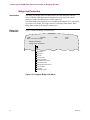
Bridge Filtering
Configuring
NetBIOS Name
Filtering
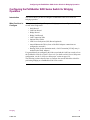
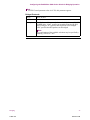
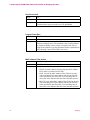
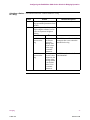
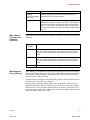
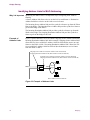
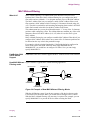
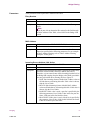
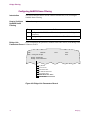
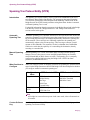
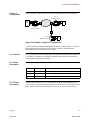
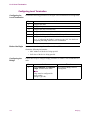
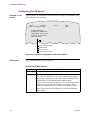
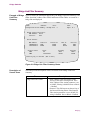
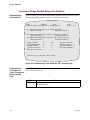
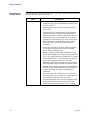
To access the NetBIOS Name Filter Action parameter, follow the steps below:
Step
Parameter
Action
1
Select Configure -> Configure
Bridge -> Bridge Link
Parameters from the CTP Main
menu.
2
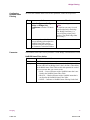
Enter the number of the link that
you are defining and complete the
NetBIOS Name Filter Action
parameter using the description in
the Parameters section that follows.
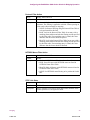
Result
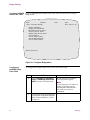
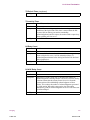
Entry Number 1 appears.
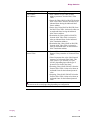
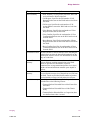
Note
The table has one entry for each
logical bridge link in the bridge
node. Bridge Link Entry 1 is
reserved for the primary LAN
interface. The WAN bridge links
start at entry 5.
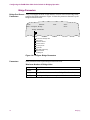
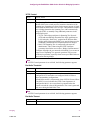
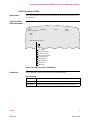
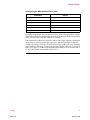
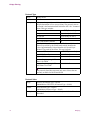
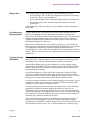
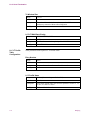
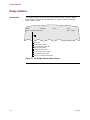
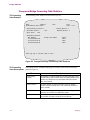
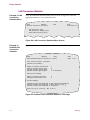
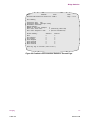
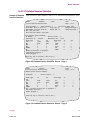
The NetBIOS Name Filter Action parameter is in the Bridge Link Parameters record.
NetBIOS Name Filter Action
Bridging
T0008-16F
Range:
PASS, BLOCK, NONE
Default:
NONE
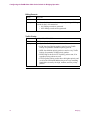
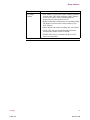
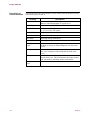
Description:
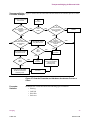
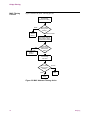
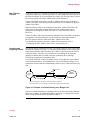
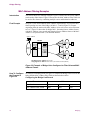
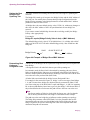
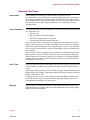
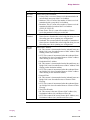
When using NetBIOS Name Filters, set the NetBIOS Name Filter
Action to BLOCK on Bridge Link 1 (the LAN link). Then define
the NetBIOS Name Filter Table records with patterns for each of
the server names that you want to access.
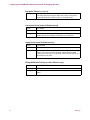
• PASS — Passes all frames with a NetBIOS name that is not
listed in the NetBIOS Name Filter Table.
• BLOCK — Blocks all frames with a NetBIOS name that is
not listed in the NetBIOS Name Filter Table.
• NONE — Indicates no NetBIOS name filtering for the link.
79
Release 5.2M