1
Smartphone User's Guide
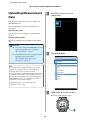
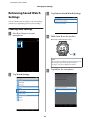
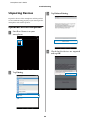
Changing the Settings
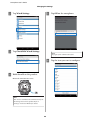
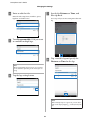
B
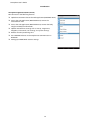
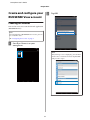
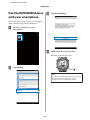
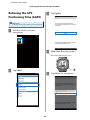
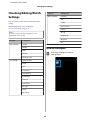
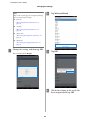
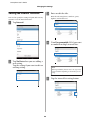
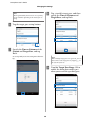
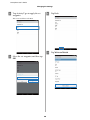
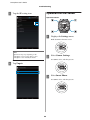
Tap Watch Settings.
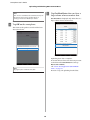
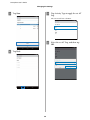
C
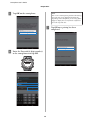
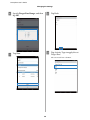
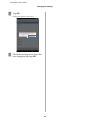
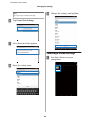
Tap Retrieve Saved Watch Settings.
E
Note:
Try again if the communication fails.
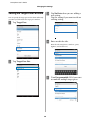
F
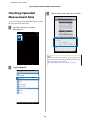
D
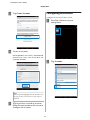
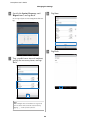
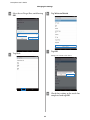
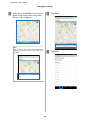
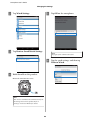
Tap OK on the smartphone.
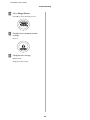
Hold down D on this product.
Bluetooth communication starts.
Note:
You can also start Bluetooth communication from
the Settings menu on this product. Refer to
"Settings" in the User Manual for details.
49
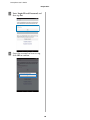
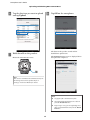
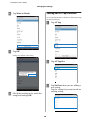
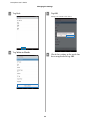
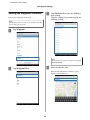
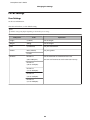
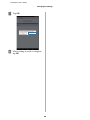
Tap the saved settings, and then tap
Write to Watch.