1
Parent topic: Solving Paper Problems
Related references
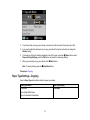
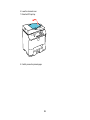
Paper Jam Problems Inside the Product
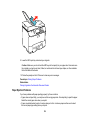
Paper Jam Problems in the Cassette
Paper Jam Problems in the Duplexer
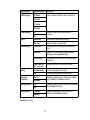
Paper or Media Type Settings
Related tasks
Cancelling Printing Using a Product Button
Related topics
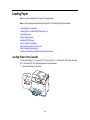
Loading Paper
Solving PCL/PostScript Problems
Check these sections if you have problems with the PCL or PostScript printer software.
Nothing Prints
Settings Are Missing from the PCL or PostScript Printer Software
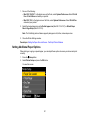
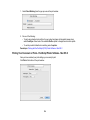
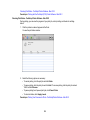
Printing a PS3 (PostScript) Status Sheet
Parent topic: Solving Problems
Nothing Prints
If your document doesn't print, try these solutions:
• Make sure your product is turned on and properly connected.
• Check your product's control panel for error messages. The PCL and PostScript printing software will
not display any error messages on your computer screen if a printing error occurs.
• Make sure your product is selected as the printer in your printing program.
Parent topic: Solving PCL/PostScript Problems
Settings Are Missing from the PCL or PostScript Printer Software
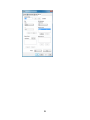
If certain settings are missing or incorrect in the PCL or PostScript printer software, try these solutions:
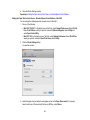
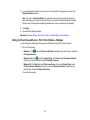
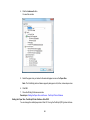
• Make sure your product is selected in the PCL printer software.
• If you are using the product as a laser printer replacement and have not installed Epson printer
software, certain options and functions may not be available. Install the standard Epson, PCL, or
PostScript printer software to access additional settings and features.
277