1
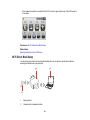
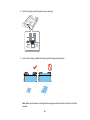
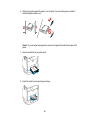
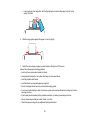
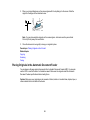
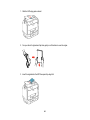
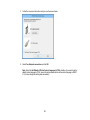
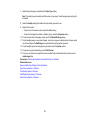
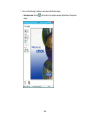
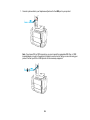
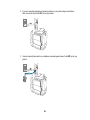
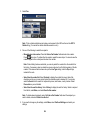
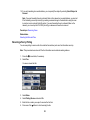
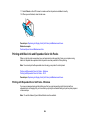
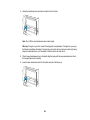
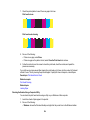
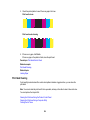
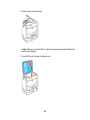
2. Place your original facedown on the scanner glass with the top facing into the corner. Slide the
original to the edges of the indicated corner.
Note: You can place multiple originals on the scanner glass. Just make sure they are at least
0.8 inch (20 mm) away from each other.
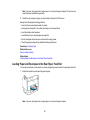
3. Close the document cover gently to keep your original in place.
Parent topic: Placing Originals on the Product
Related topics
Copying
Scanning
Faxing
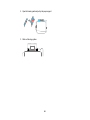
Placing Originals in the Automatic Document Feeder
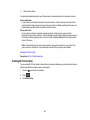
You can place multi-page original documents in the Automatic Document Feeder (ADF).You can also
use the ADF to scan both sides of a 2-sided document. Make sure the originals meet the Automatic
Document Feeder specifications before loading them.
Caution: Make sure your originals are not creased or folded, and do not contain holes, staples, tape, or
other materials that could obstruct the feeder.
83