1
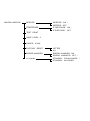
The Control Panel
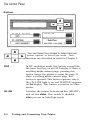
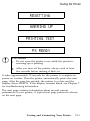
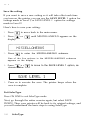
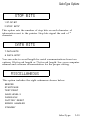
RESET-If you press this button while QUIT
CONTINUE
COPY END/RESET THE JOB is on the display, the display changes to
QUITTING THE JOB and the job is flushed from
the printer’s memory. If you press any other
buttons, the printer returns to its previous status
without printing data.
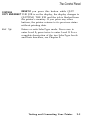
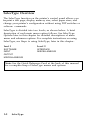
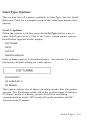
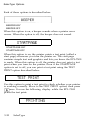
Select Type
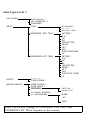
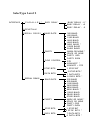
Enters or exits SelecType mode. Press once to
enter Level 1; press twice to enter Level 2. For a
complete description of the two SelecType levels
and their functions, see Chapter 3.
Testing and Connecting Your Printer
2-5