1
Adjusting the Image Position and Focus
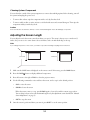
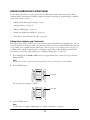
If you adjusted how far the screen comes down (see page 54), you’ll need to reposition the image on the screen
as described below. You may also need to reposition or refocus the image if you cleaned the lens and
accidentally changed it from its original position.
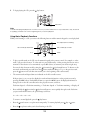
Repositioning the Image
1
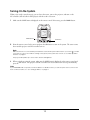
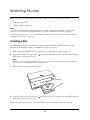
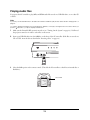
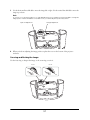
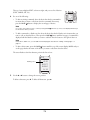
Remove the cover on the bottom of the projector enclosure to access the lens shift dials on the projector.
Slide the cover straight forward, then remove it. (The cover is held in place with clips, which may be tight.)
2
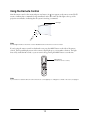
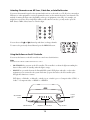
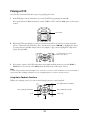
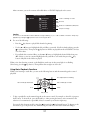
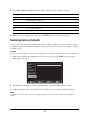
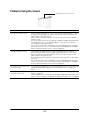
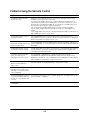
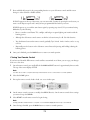
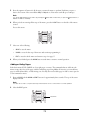
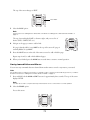
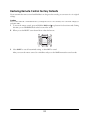
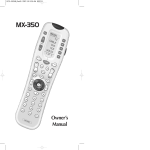
If desired, you can display a test pattern to help adjust the image position. You’ll need to use the remote
control that came with the projector (not the Ensemble HD remote). Press the Pattern button on the
remote control to display the pattern. Press the Pattern button again to turn it off.
Pattern
button
56