1
4.
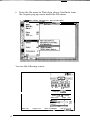
Turn the screw counterclockwise and remove it.
5.
Push the screw into the storage hole on the right under the
word STOCK. Just push it in; it does not screw in. This keeps
it handy in case you ever want to ship your scanner.
6.
Connect the power cable to the power inlet on the rear of the
scanner and the other end into an appropriately grounded
outlet as shown below.