1
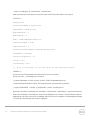
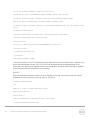
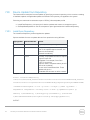
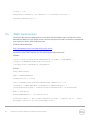
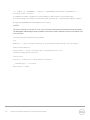
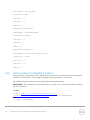
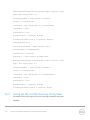
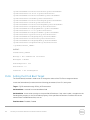
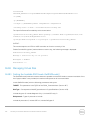
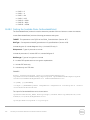
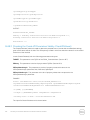
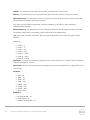
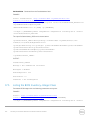
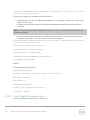
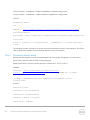
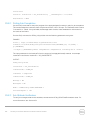
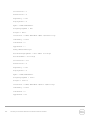
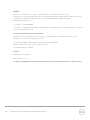
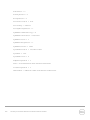
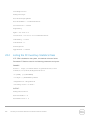
1 = PowerCycle
2 = Graceful Reboot without forced shutdown
3 = Graceful reboot with forced shutdown
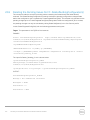
Note: When a user does not want to set a reboot type when creating a target job, users should comment
out the RebootJobType in the input xml. User should not enter “0” or give no parameter at all in the input
xml.
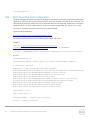
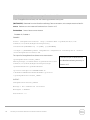
ScheduledStartTime & UntilTime: See Section 3.2.4
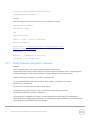
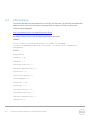
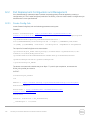
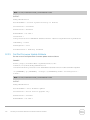
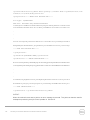
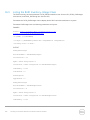
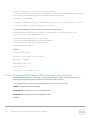
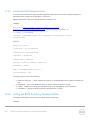
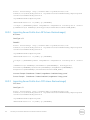
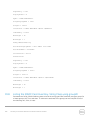
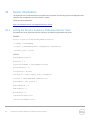
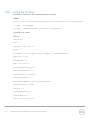
EXAMPLE:
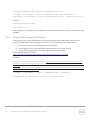
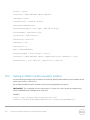
winrm i CreateTargetedConfigJob http://schemas.dmtf.org/wbem/wscim/1/cimschema/2/root/dcim/DCIM_RAIDService ?SystemCreationClassName=DCIM_ComputerSystem
+CreationClassName=DCIM_RAIDService
+SystemName=DCIM:ComputerSystem
+Name=DCIM:RAIDService -u:[USER] -p:[PASSWORD]
-r:https://[IPADDRESS]/wsman -SkipCNcheck -SkipCAcheck -encoding:utf-8 -a:basic
-file:CreateTargetedConfigJob_RAID.xml
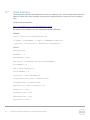
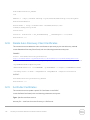
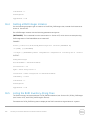
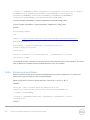
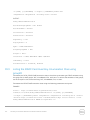
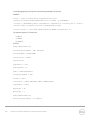
The input file CreateTargetedConfigJob_RAID.xml is shown below:
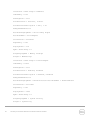
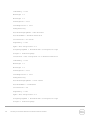
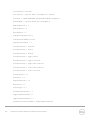
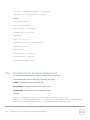
<p:CreateTargetedConfigJob_INPUT
xmlns:p="http://schemas.dmtf.org/wbem/wscim/1/cimschema/2/root/dcim/DCIM_RAIDService">
<p:Target>RAID.Integrated.1-1</p:Target> <p:RebootJobType>3</p:RebootJobType>
<p:ScheduledStartTime>TIME_NOW</p:ScheduledStartTime>
<p:UntilTime>20111111111111</p:UntilTime>
</p:CreateTargetedConfigJob_INPUT>
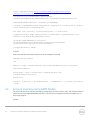
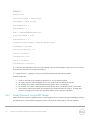
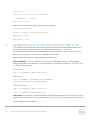
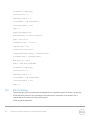
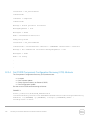
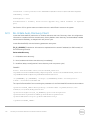
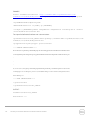
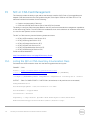
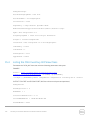
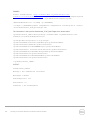
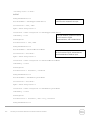
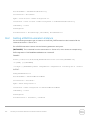
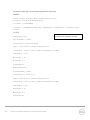
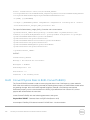
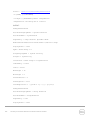
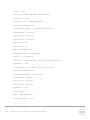
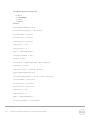
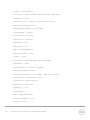
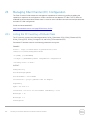
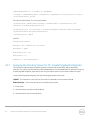
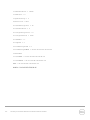
OUTPUT:
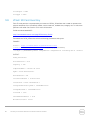
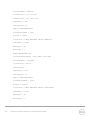
When this method is executed, a jobid or an error message is returned. The status of this jobid can be
checked within the job control provider in Section 10.
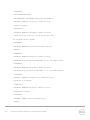
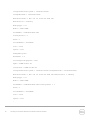
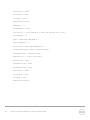
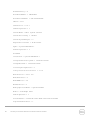
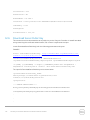
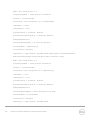
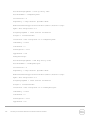
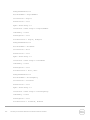
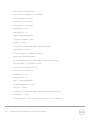
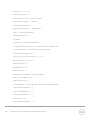
CreateTargetedConfigJob_OUTPUT
Job
Address =
http://schemas.xmlsoap.org/ws/2004/08/addressing/role/anonymous
ReferenceParameters
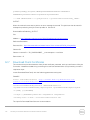
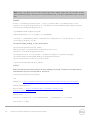
222
Dell Lifecycle Controller Web Services Interface Guide for Windows