1
•
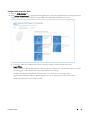
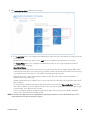
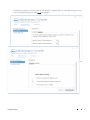
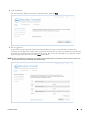
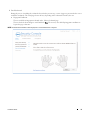
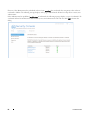
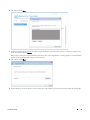
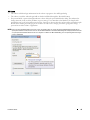
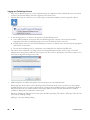
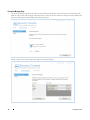
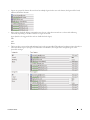
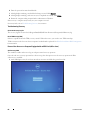
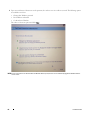
An end user can edit field labels by clicking on the item in the fields list.
•
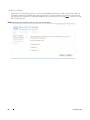
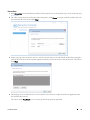
For logon to applications, Submit changes. A drop-down list of available options displays.
•
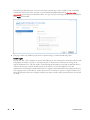
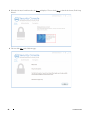
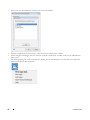
When saving the entered logon data, the end user is required to authenticate according to the Session Authentication
policy in force.
•
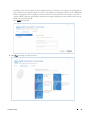
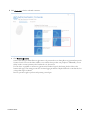
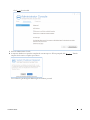
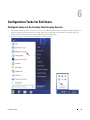
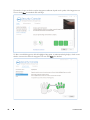
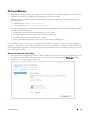
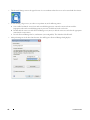
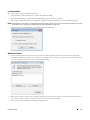
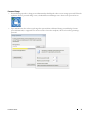
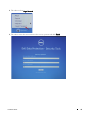
The Add logon dialog box can also be launched by clicking the Password Manager icon on the white arrow of the blue
circle and selecting the first menu item.
66
Installation Guide