1
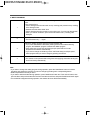
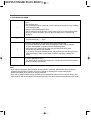
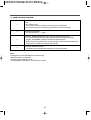
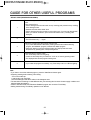
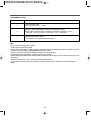
11. DRUM CLEANING PROGRAM
1
Put the laundry into the Drum and put the detergent and softerner into the detergent
case.
Then close the Door.
• If you want to clean Drum slightly, use this program without Bleach.
• If you want to clean Drum thoroughly, please use the exclusive detergent.
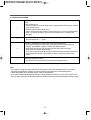
2
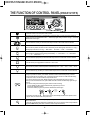
Press the Power button.
• The LED shows only '- --' signal.
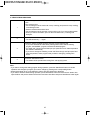
3
Select the 'DRUM CLEANING' program using the program selection dial.
• If you press 'Start/Pause' button aftrer pressing Power button without selecting
program, the 'NORMAL' program is selected as default program.
• 'Soak' and '2' times rinse and '400' rpm spin speed and 'Cold' water temperature (and
'Cupboard' dry condition) are selected automatically.
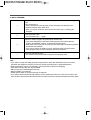
4
Press the 'Start/Pause' button.
• The washer will be operated with locking Door and supplying water.
Note
• All programs are not selectable except rinse time(s).
• DELAY START is not selected.
• Use this program WITHOUT load.
• The appropriate cleaning time is one time per a month.
22