1
Battery Maintenance
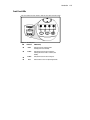
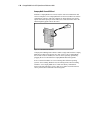
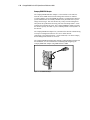
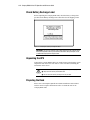
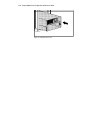
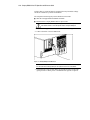
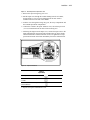
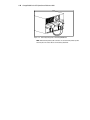
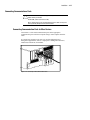
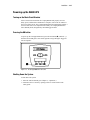
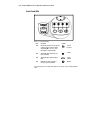
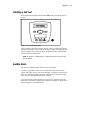
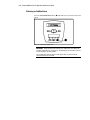
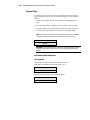
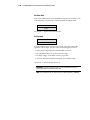
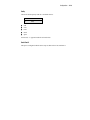
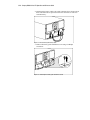
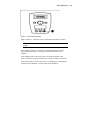
Figure 5-7. The Test/Reset Alarm button
Refer to Chapter 3, “Operation” for more information on running a self-test.
IMPORTANT: The R6000 will not execute a self-test until the batteries are at least 90%
charged.
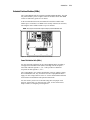
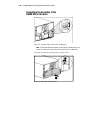
If the installation has been successful, the Compaq R6000 UPS will enter
Operate mode, indicated by a solid green LED. The installation is now
complete.
If the installation has not been successful, the red LED will light. If this
occurs, repeat Step 4 in the procedure above to check the battery connections.
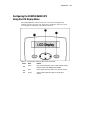
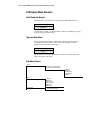
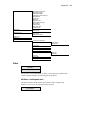
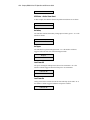
If the LED remains red, refer to the section, “Configuring the Compaq R6000
UPS Using the LCD Menu,” in Chapter 4for more information.
5-9