1
DELETING IMAGES
NOTE
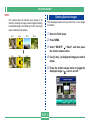
Deleting Selected Images
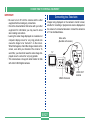
• The camera does not maintain open spaces in its
memory. Deleting an image causes images following
the deleted image to be shifted up to fill in the empty
space created by the deletion.
The following procedure lets you select one or more image
for deletion.
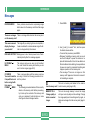
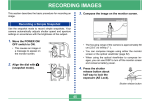
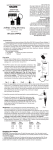
1. Enter the PLAY mode.
100-1
100-2
100-3
100-4
2. Press MENU.
3. Select “DELETE”
“Select”, and then press
the shutter release button.
100-1
100-2
100-3
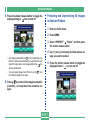
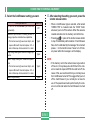
4. Use [+] and [–] to display the image you want to
delete.
5. Press the shutter release button to toggle the
displayed image’s
E-111
icon on and off.