1
1-3-1
Using the Stylus
1-3 Using the Stylus
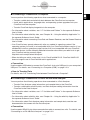
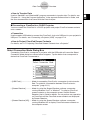
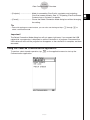
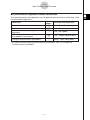
Slide the stylus from the slot provided for it on the ClassPad, and then use it to perform touch
panel operations.
Important!
• Be careful so that you do not misplace or lose the stylus. When you are not using it, always
keep the stylus in the slot provided for it on the ClassPad.
• Be careful so that you do not damage the tip of the stylus. A damaged tip can scratch or
otherwise damage the ClassPad touch panel.
• Use only the supplied stylus or a similar instrument to perform touch panel operations. Never
use a pen, pencil, or other writing instrument.
20110901