1
2
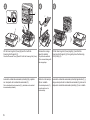
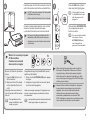
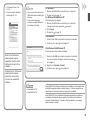
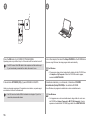
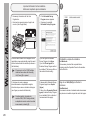
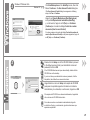
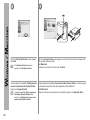
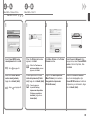
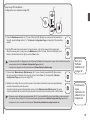
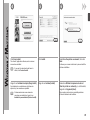
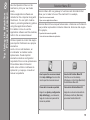
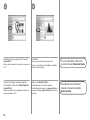
Click Exit to complete the installation.
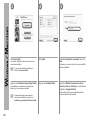
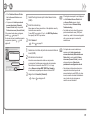
For Macintosh
It is necessary to restart the computer before
scanning using the Operation Panel on the machine
for the first time.
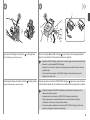
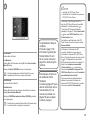
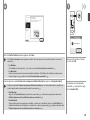
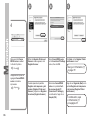
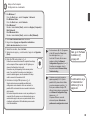
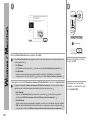
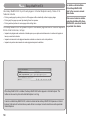
3
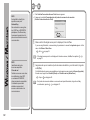
For Windows
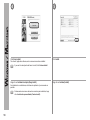
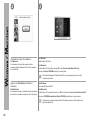
Solution Menu EX starts.
For Macintosh
Solution Menu EX starts when clicking OK in the Canon Solution Menu EX dialog.
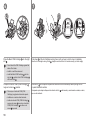
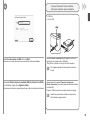
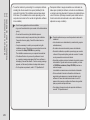
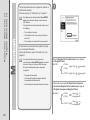
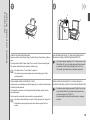
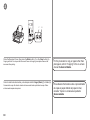
Remove the Setup CD-ROM and keep it in a safe place.
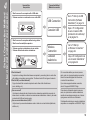
• The buttons displayed on Solution Menu EX may vary depending on the country or
region of purchase.
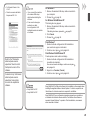
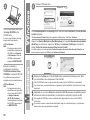
Haga clic en Salir (Exit) para finalizar la
instalación.
Para Macintosh
Es necesario reiniciar el ordenador antes de escanear
por primera vez mediante el panel de control del equipo.
Para Windows
Se iniciará Solution Menu EX.
Para Macintosh
Solution Menu EX se iniciará al hacer clic en OK en el cuadro de diálogo Canon Solution Menu EX.
Extraiga el CD-ROM de instalación (Setup CD-ROM) y guárdelo en un lugar seguro.
• Los botones que muestre Solution Menu EX pueden variar en función del país o la
región de adquisición.
54