1
4
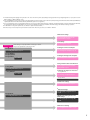
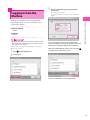
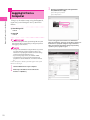
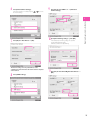
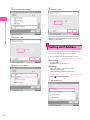
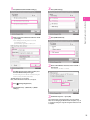
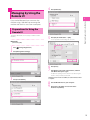
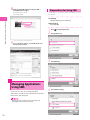
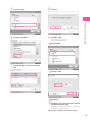
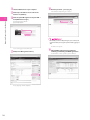
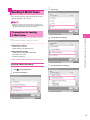
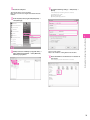
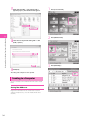
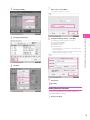
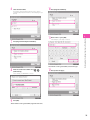
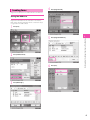
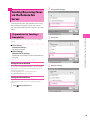
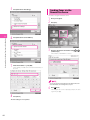
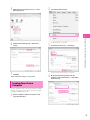
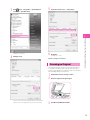
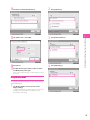
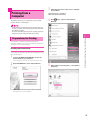
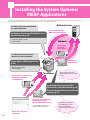
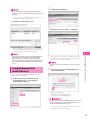
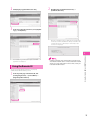
Select a file → press [Print].
2
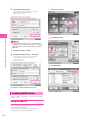
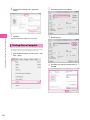
If the Select Paper screen is displayed, select the paper source.
Starting to Use the Various Functions of the Machine
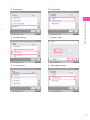
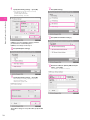
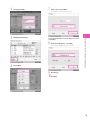
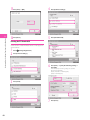
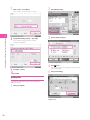
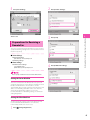
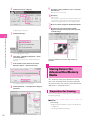
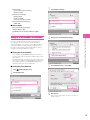
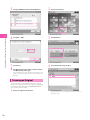
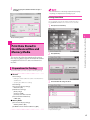
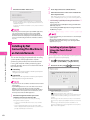
Specify the settings on the Print Settings screen, as
necessary.
5
6
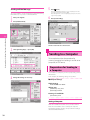
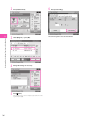
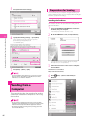
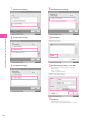
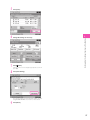
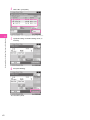
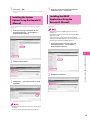
Press [Start Printing].
The selected file is printed.
62