1
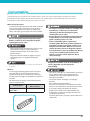
Using the Setup Guide to Configure the Machine
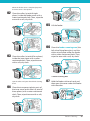
When the power is turned ON for the first time after installing the machine, the Setup Guide screen is
displayed.
It is recommended that you follow the instructions that appear on the touch panel display to configure
the machine.
You must restart the machine after configuring the settings with the Setup Guide.
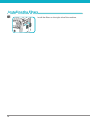
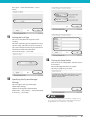
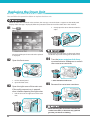
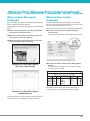
01
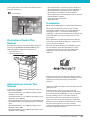
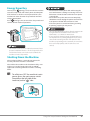
Starting the Setup Guide
The screen displayed after installing the
machine and turning it ON for the first time is
the Setup Guide screen.
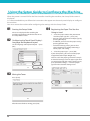
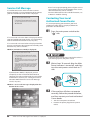
02 Configuring the Touch Panel Display’s
Language and Keyboard Layout
Set the language and keyboard layout → press
[OK].
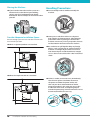
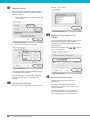
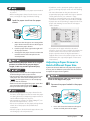
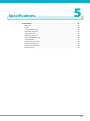
04 Registering the Paper That You Are
Going to Load
1. Select the paper source that you want to
load the paper type for → press [Set].
• You can select the desired envelope type by
pressing [Envelope].
• In addition, you can enter the paper size by
pressing [Custom Size].
• Instead of entering values, you can also
select a button ([S1] to [S4]) containing a
stored paper size setting.
2. Select the paper type → press [OK].
If you select [Plain], you can select the paper
weight from [Plain Paper Weight Set.].
You can select the paper type from the simple
or detailed setting screen. For paper types that
are not displayed on the simple setting screen,
press [Detailed Settings] → select the paper
type from the detailed setting screen.
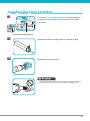
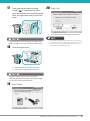
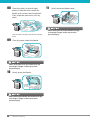
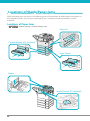
03 Mixing the Toner
Press [Start].
▼
After the toner finishes mixing, press [OK].
28