1
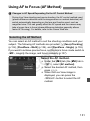
Using AF to Focus (AF Method)
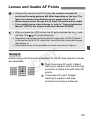
u(face)+Tracking: c
The camera detects and focuses on human faces. If a face moves, the
AF point <p> also moves to track the face.
1
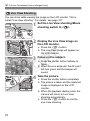
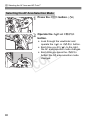
Display the Live View image.
Press the <0> button.
X The Live View image will appear on
the LCD monitor.
an AF point.
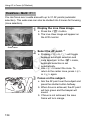
2 Select
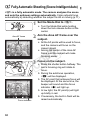
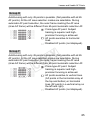
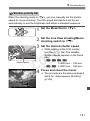
When a face is detected, the <p>
frame will appear over the face to be
focused on.
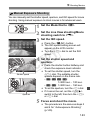
If multiple faces are detected, <q>
will be displayed. Use <9> to move
the <q> frame over the face you
want to focus on.
If no faces are detected, the camera
will switch to FlexiZone - Multi for
automatic selection (p.134).
C
Y
P
O
on the subject.
3 Focus
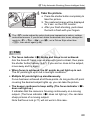
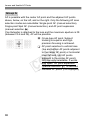
Press the shutter button halfway to
focus.
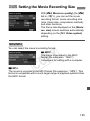
X When focus is achieved, the AF point
will turn green and the beeper will
sound.
X If focus is not achieved, the AF point
will turn orange.
132