1
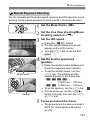
a: Manual Exposure
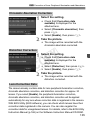
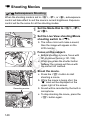
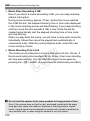
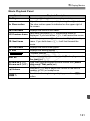
Exposure Compensation with Auto ISO
If the ISO speed is set to A (AUTO), you can set exposure
compensation (p.122) as follows.
• [z2: Expo. comp./AEB]
• Under [83: Custom Controls], use [s: Expo comp (hold btn,
turn
)] or [p: Expo comp (hold down lever, turn
)].
• Quick Control (p.53)
Set the exposure compensation amount while checking the exposure
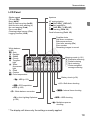
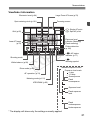
level indicator on the lower part of the viewfinder or on the LCD panel.
C
120
Y
P
O