1
Favorites
Favorites
You can set any possible combination of send settings and register them as favorites in
memory. You can register up to 4 favorites. This feature is useful for registering frequently
used send settings.
– The send settings registered as favorites in memory are not erased, even if the power is turned OFF.
– If an address included in a favorites is deleted from the Address Book, it is also deleted from the settings registered in the
favorites.
– For details on how to send the documents, see “Basic Methods for Sending Faxes,” on p. 5-17.
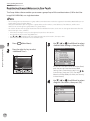
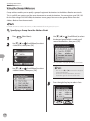
Registering Favorites
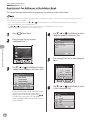
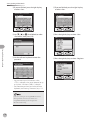
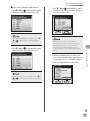
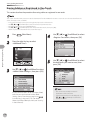
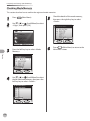
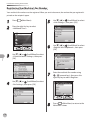
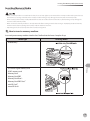
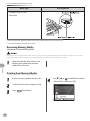
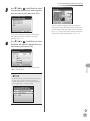
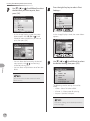
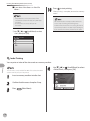
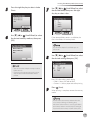
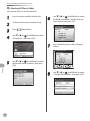
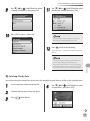
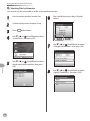
You can register names for favorites from the Select Send Type Screen or register settings for favorites from
the Send Settings screen.
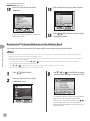
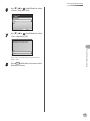
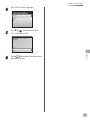
The currently specified settings are registered for the favorites.
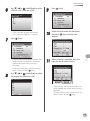
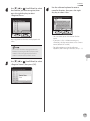
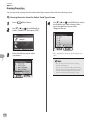
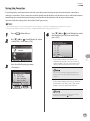
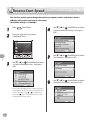
● Registering Names for Favorites from the Select Send Type Screen
Fax
5-54
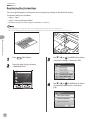
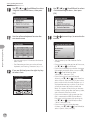
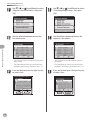
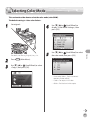
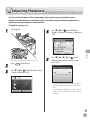
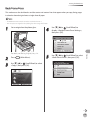
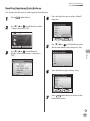
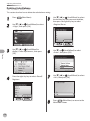
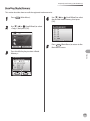
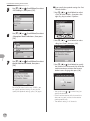
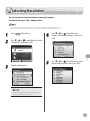
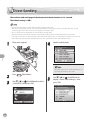
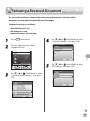
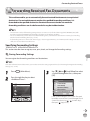
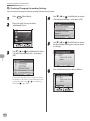
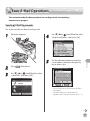
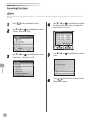
1
2
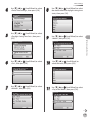
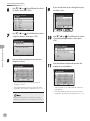
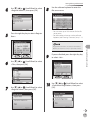
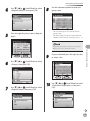
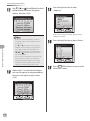
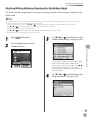
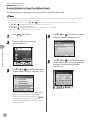
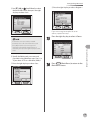
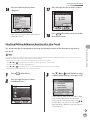
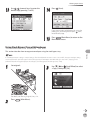
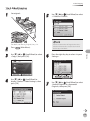
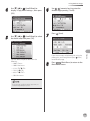
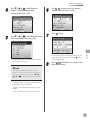
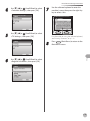
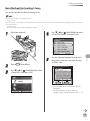
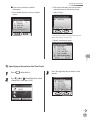
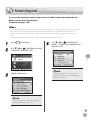
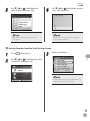
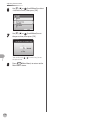
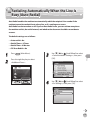
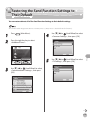
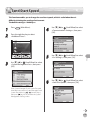
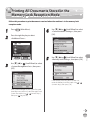
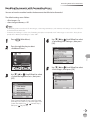
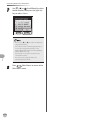
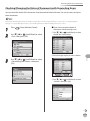
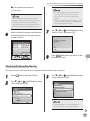
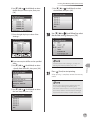
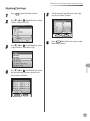
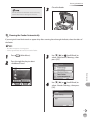
Press
(Main Menu).
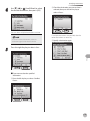
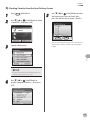
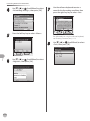
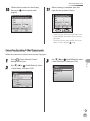
Use [▼], [▲] or
(Scroll Wheel) to select
<Send/FAX>, then press [OK].
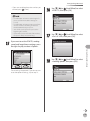
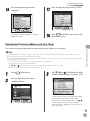
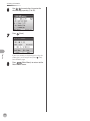
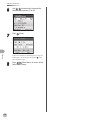
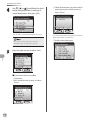
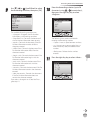
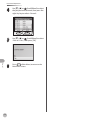
3
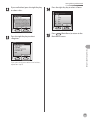
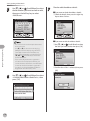
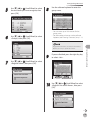
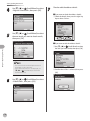
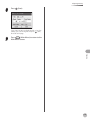
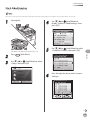
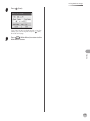
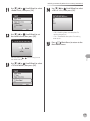
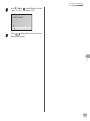
Press the left Any key to select
<Favorites>.
















































































































































![User`s Guide [Printer/Copier/Scanner]](http://vs1.manualzilla.com/store/data/005987700_1-4ebf6f5f2843ec6fc8ace3e9735a6825-150x150.png)