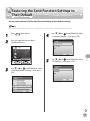
1
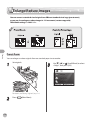
Favorites
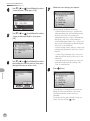
4
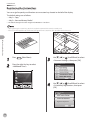
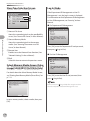
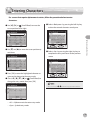
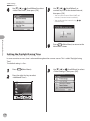
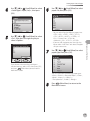
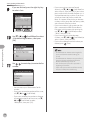
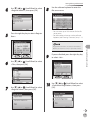
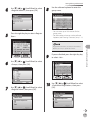
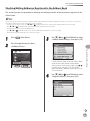
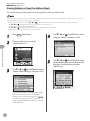
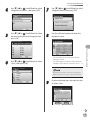
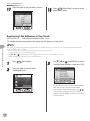
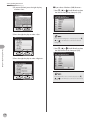
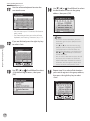
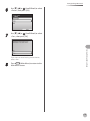
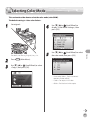
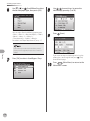
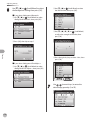
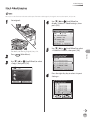
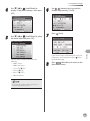
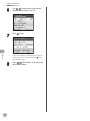
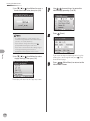
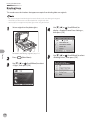
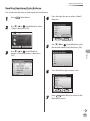
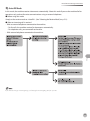
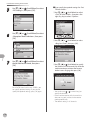
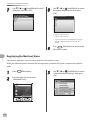
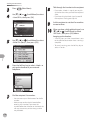
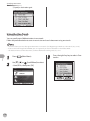
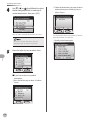
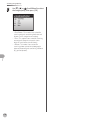
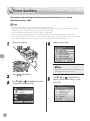
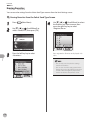
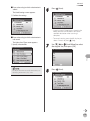
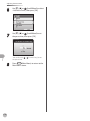
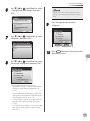
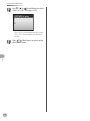
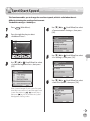
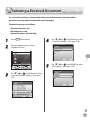
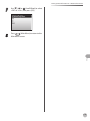
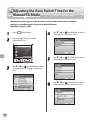
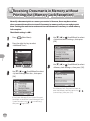
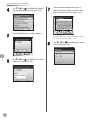
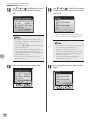
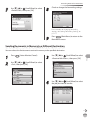
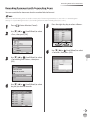
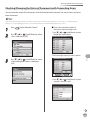
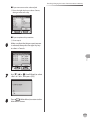
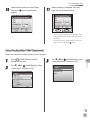
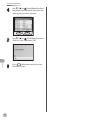
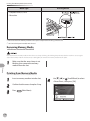
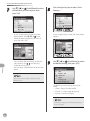
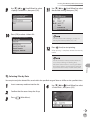
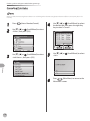
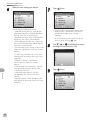
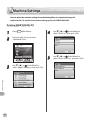
Use [▼], [▲] or
(Scroll Wheel) to
display <Register Favorites>, then press
[OK].
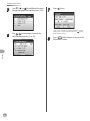
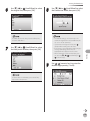
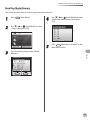
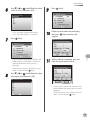
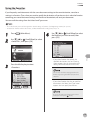
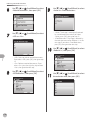
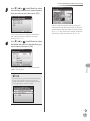
5
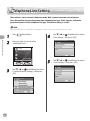
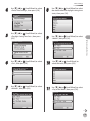
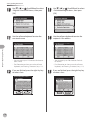
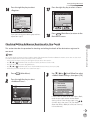
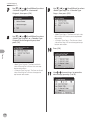
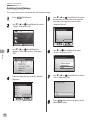
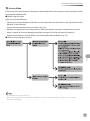
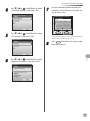
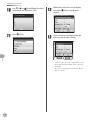
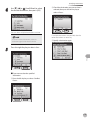
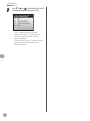
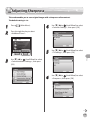
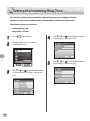
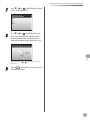
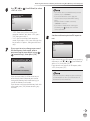
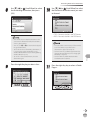
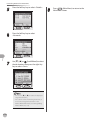
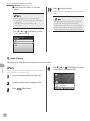
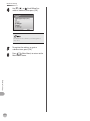
Use [▼], [▲] or
(Scroll Wheel) to select
the favorites you want to erase, then
press the right Any key to select
<Register/Erase>.
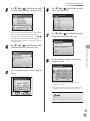
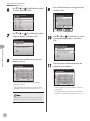
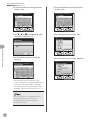
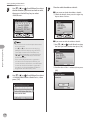
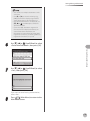
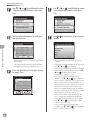
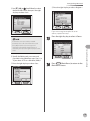
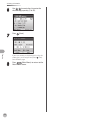
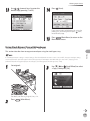
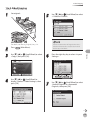
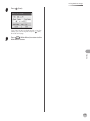
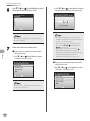
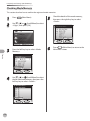
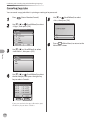
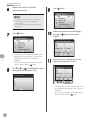
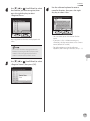
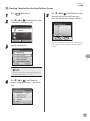
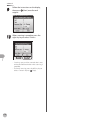
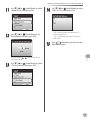
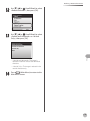
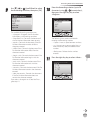
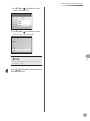
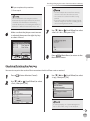
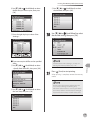
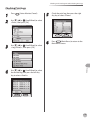
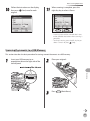
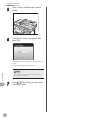
6
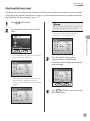
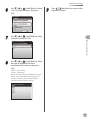
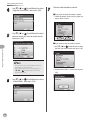
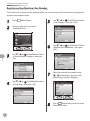
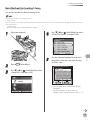
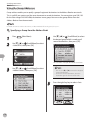
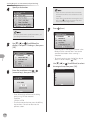
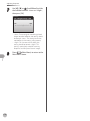
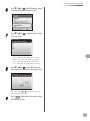
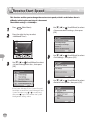
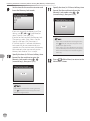
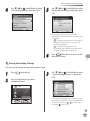
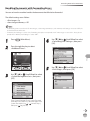
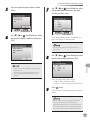
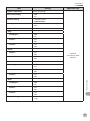
Use [▼], [▲] or
(Scroll Wheel) to select
<Erase>, then press [OK].
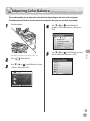
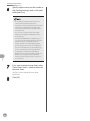
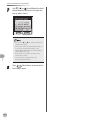
Make sure to check the settings first before
erasing them.
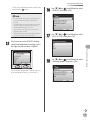
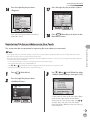
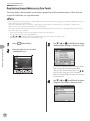
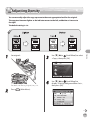
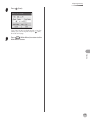
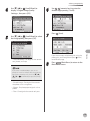
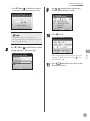
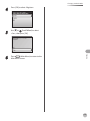
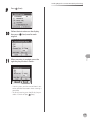
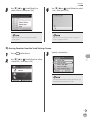
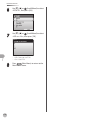
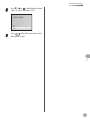
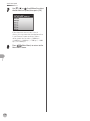
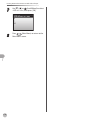
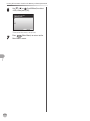
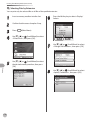
7
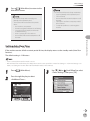
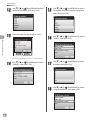
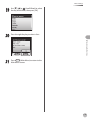
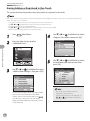
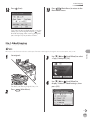
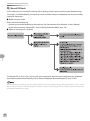
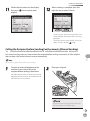
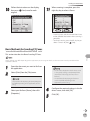
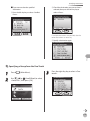
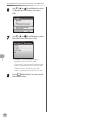
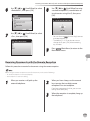
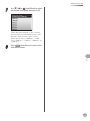
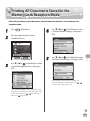
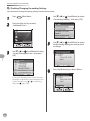
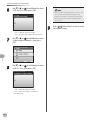
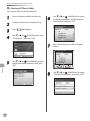
Use [▼], [▲] or
(Scroll Wheel) to select
<Yes>, then press [OK].
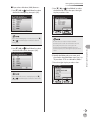
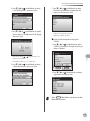
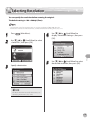
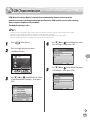
Fax
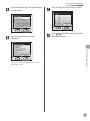
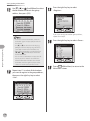
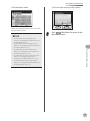
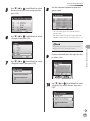
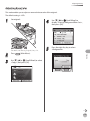
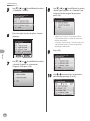
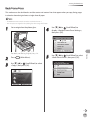
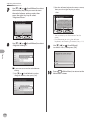
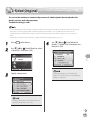
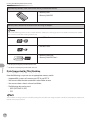
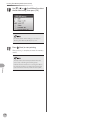
Keys registered as favorites are displayed with
icons.
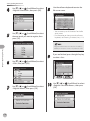
– You can only erase a key with settings stored in
the favorites.
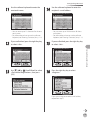
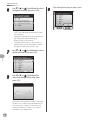
– You can also check the settings stored in the
favorites by pressing the left Any key to select
<Details>. Press the right Any key to select
<Done> to return to the previous screen.
5-60
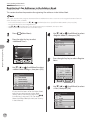
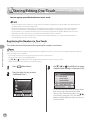
Key names are not erased. You can change the
name in <Register Name>.