1
EC272_CUG-E_CDI-E409.book Page 79 Thursday, August 27, 2009 3:06 PM
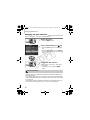
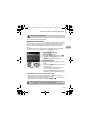
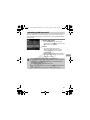
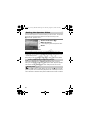
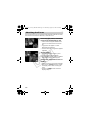
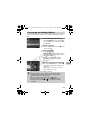
Continuous Shooting
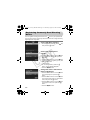
You can shoot continuously at a fixed interval.
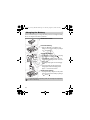
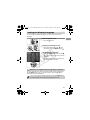
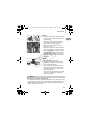
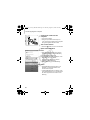
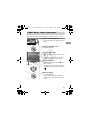
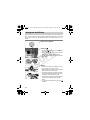
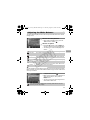
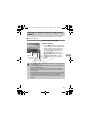
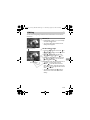
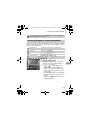
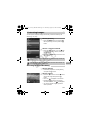
Choose a Drive mode.
● After pressing the m button, press the
op buttons to choose
.
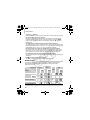
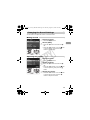
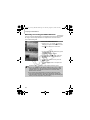
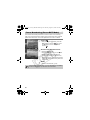
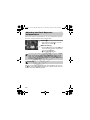
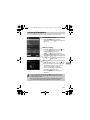
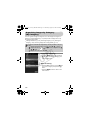
Choose an option.
● Press the qr buttons or turn the Ê dial to
choose W or
button.
, then press the m
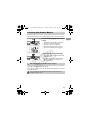
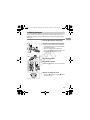
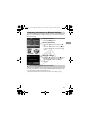
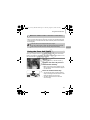
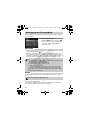
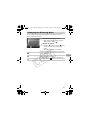
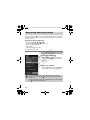
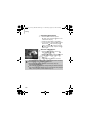
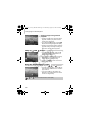
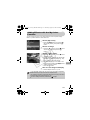
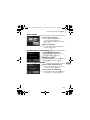
Shoot.
X As long as you hold the shutter button
Y
P
O
down, the camera will shoot successive
images.
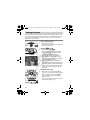
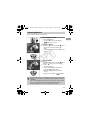
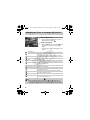
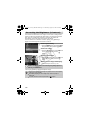
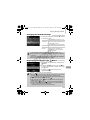
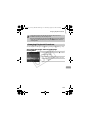
Drive Mode
Description
Approx. 0.9
images/sec.
W Continuous
C
Continuous Shooting AF
Approx. 0.6
images/sec.
Continuous Shooting LV
Approx. 0.6
images/sec.
For continuous shooting, the focus and
exposure are locked when the shutter
button is pressed halfway.
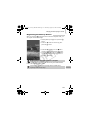
The camera shoots continuously and
focuses. The [AF Frame] is set to
[Center].
The camera shoots continuously with
the focus fixed to the position set in
manual focus.
• Cannot be used with the self-timer (pp. 66, 67).
• In
mode (p. 60), the shooting intervals will be faster.
• As the number of images increases, the shooting intervals may take
longer.
• If the flash fires, shooting intervals may take longer.
• When in t, AF Lock (p. 86), or manual focus (p. 89) modes
will
change to
.
79