1
4 Using Your Telephone
User’s Guide
Set Vibrate Mode
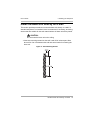
1 Make sure the handset ringer is set to on.
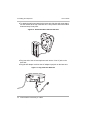
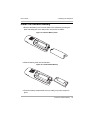
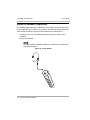
2 Repeatedly press the Vol + button on the side of the handset until you feel
the handset vibrate. Ring Off (Vibrate) will also appear in the
handset display.
If the handset is set to vibrate and the handset is in the charger unit
when there is an incoming call, you will hear a low ring.
Turn Ringer Off
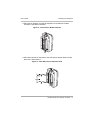
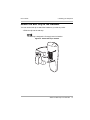
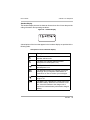
Press and hold the Vol - button on the side of the handset. The ringer off icon
appears in the display.
Set Silent Alert
1 Turn the ringer off.
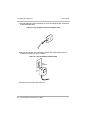
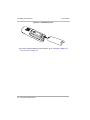
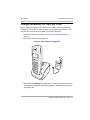
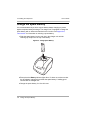
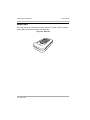
2 Place the handset in the charger unit. An incoming call is indicated in the
handset display.
50
Changing Handset Settings