1
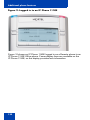
About the Nortel IP Phone 1120E
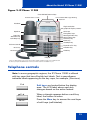
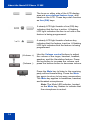
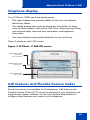
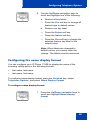
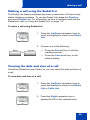
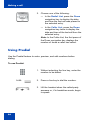
The keys on either side of the LCD display
area are user-defined feature keys, with
labels on the LCD. These keys also function
as line (DN) keys.
A steady LCD light beside a line (DN) key
indicates that the line is active. A flashing
LCD light indicates the line is on hold or the
feature is being programmed.
GrpCl
Z
(Volume +)
(Volume -)
(Mute)
A steady LCD light beside a feature key
indicates that the feature is active. A flashing
LCD light indicates that the feature is being
programmed.
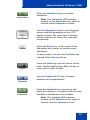
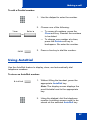
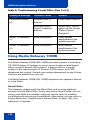
Use the Volume control buttons to adjust
the volume of the ringer, handset, headset,
speaker, and the Handsfree feature. Press
the top button to increase the volume, and
press the bottom button to decrease volume.
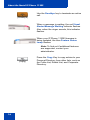
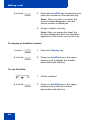
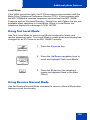
Press the Mute key to listen to the receiving
party without transmitting. Press the Mute
key again to return to two-way conversation.
The Mute key applies to handsfree, handset,
and headset microphones.
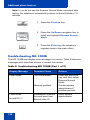
Note: The Mute LED indicator, located
on the Mute key, flashes to indicate that
the microphone is muted.
14