1
376
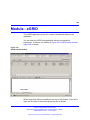
Module - eFR
•
•
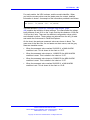
The default value is 600 seconds
•
The maximum value is 86400 seconds, so once a day a verification
cycle takes place. When a larger value than 86400 is configured, the
system will adjust to 86400 seconds.
The minimum value is 60 seconds. Every minute a verification cycle
takes place. When a value smaller than 60 is configured, the system
adjusts it to 60 seconds
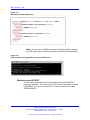
Note: The processing cycle takes some time, for example PING
to a large number of systems that are not responding increases
processing time. Since the interval effects the time between ending
the previous verification and starting a new verification, the exact
frequency is somewhat larger than the specified interval, depending on
the processing time.
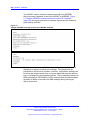
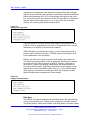
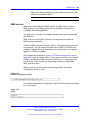
Monitoring type DISK
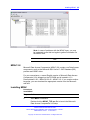
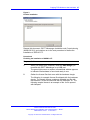
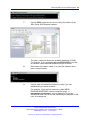
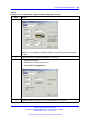
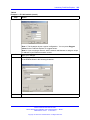
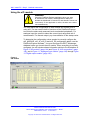
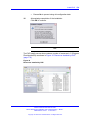
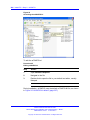
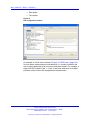
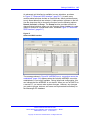
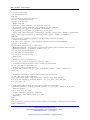
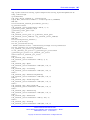
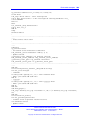
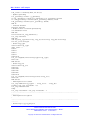
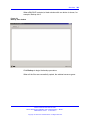
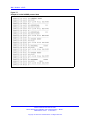
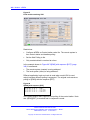
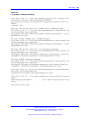
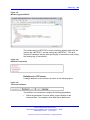
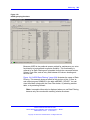
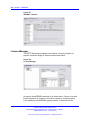
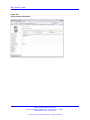
The monitoring of disk drives is configured through the section in the XML
file shown in the next figure.
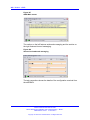
Figure 107
Monitoring type DISK
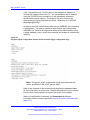
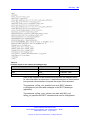
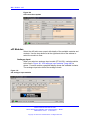
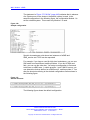
The opening tag <DISK> and the closing tag </DISK> provide space for
configuring the drives that must be monitored. You can define each drive
that needs to be monitored in the section between </Drives>.
Nortel Communication Server 1000
DECT Messenger Installation and Commissioning — Book 1
NN43120-301 02.01 4 June 2010
Copyright © 2003-2010 Nortel Networks. All Rights Reserved.