1
Configuring GRE, NAT, RIPSO, and BFE Services
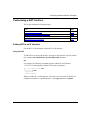
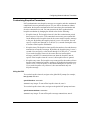
Deleting a Protocol from a GRE Tunnel
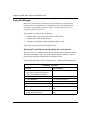
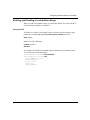
Use the BCC or Site Manager to delete a protocol from a GRE tunnel.
Using the BCC
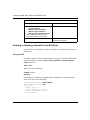
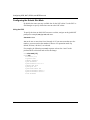
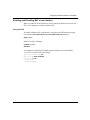
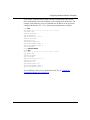
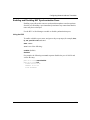
To delete a protocol from a GRE tunnel, navigate to the protocol interface prompt
(for example, box; tunnels; gre/boston; ip 9.9.9.1/255.255.255.0) and enter:
delete
For example, the following command deletes the IP protocol interface from the
tunnel boston:
ip/9.9.9.1/255.255.255.0# delete
gre/boston#
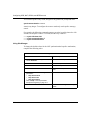
Using Site Manager
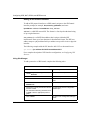
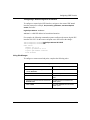
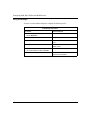
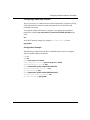
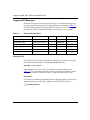
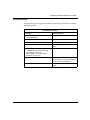
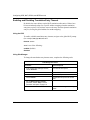
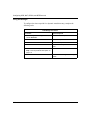
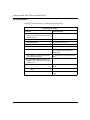
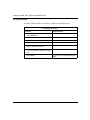
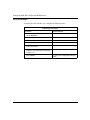
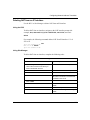
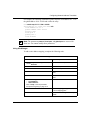
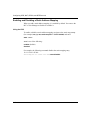
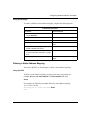
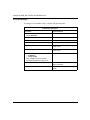
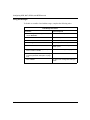
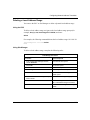
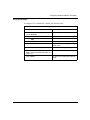
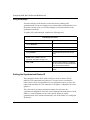
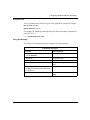
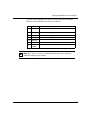
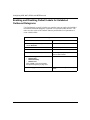
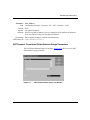
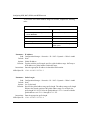
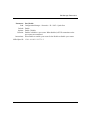
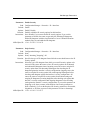
To delete a protocol from a GRE tunnel, complete the following tasks:
Site Manager Procedure
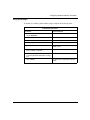
You do this
System responds
1. In the Configuration Manager window,
choose Protocols.
The Protocols menu opens.
2. Choose IP.
The IP menu opens.
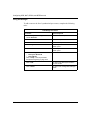
3. Choose GRE.
The GRE Create Tunnels List window
opens.
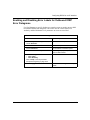
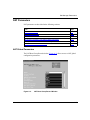
4. Select a tunnel from the list and click on
Add/Del Prot.
The Select Protocols window opens.
5. Deselect the protocol.
6. Click on OK.
2-14
You return to the GRE Create Tunnels
List window.
305753-A Rev 00