1
Making a call
Managing Call Subjects
You can create a list of Call Subjects to have ready to use when you
initiate a phone call. The number of Call Subjects that are stored on the
Avaya 1165E IP Deskphone depends on how the phone was initially
configured. You can modify, delete, and add Call Subjects while the
phone is in the idle state.
Adding a Call Subject
You can add a Call Subject while the IP Deskphones is idle.
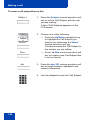
To add a Call Subject while the phone is idle:
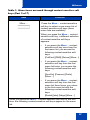
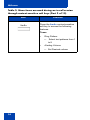
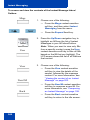
Prefs
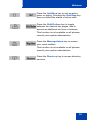
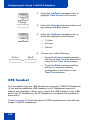
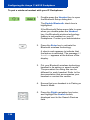
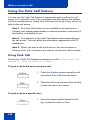
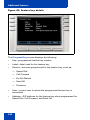
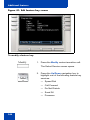
1. Press the Prefs context-sensitive soft
key, select Feature Options, and then
select Call Subject from the menu.
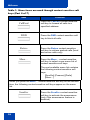
Add
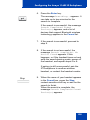
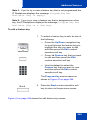
2. Press the Add context-sensitive soft key
to create new Call Subject.
Note: If the Call Subject list is full, then
the option to add a new Call Subject is
not available. In this situation, you need
to delete a Call Subject before you can
add the new Call Subject.
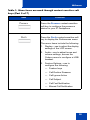
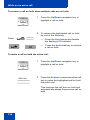
abc
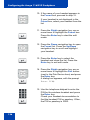
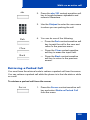
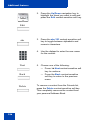
3. Press the abc/123 context-sensitive soft
key to toggle between alphabetic and
numeric characters.
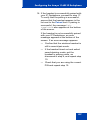
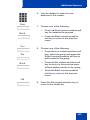
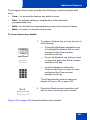
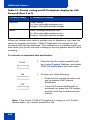
4. Use the dialpad to enter the new Call
Subject.
143