1
Advanced features
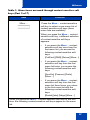
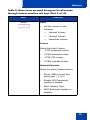
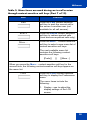
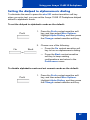
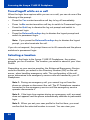
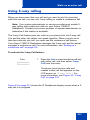
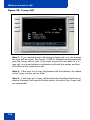
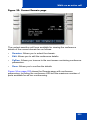
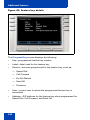
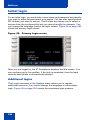
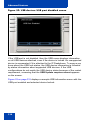
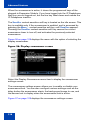
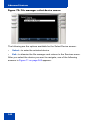
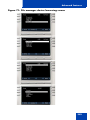
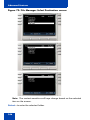
To view existing groups in your address Book if you selected
Groups:
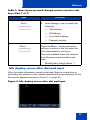
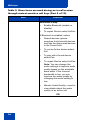
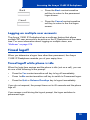
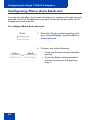
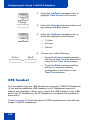
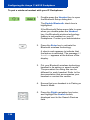
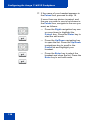
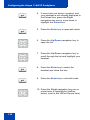
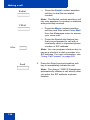
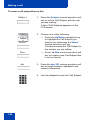
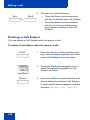
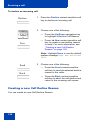
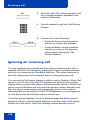
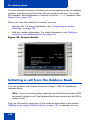
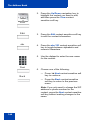
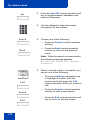
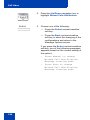
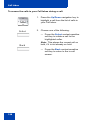
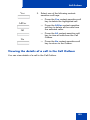
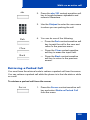
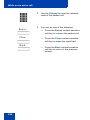
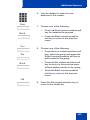
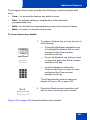
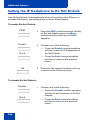
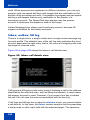
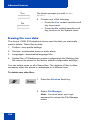
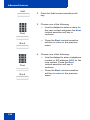
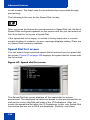
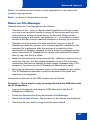
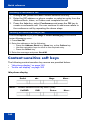
1. Press the Up/Down navigation key to
highlight the source data (group) for the
bulk key creation.
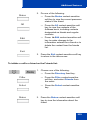
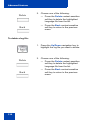
Select
Back
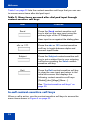
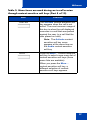
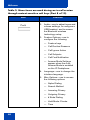
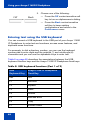
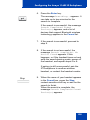
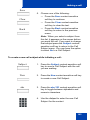
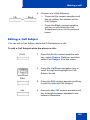
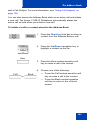
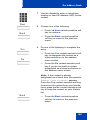
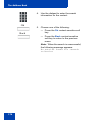
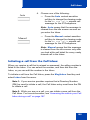
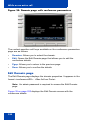
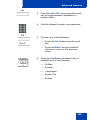
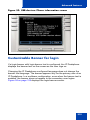
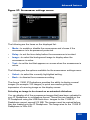
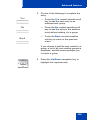
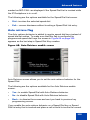
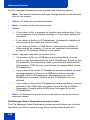
2. Choose one of the following:
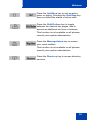
— Press the Select context-sensitive
soft key to begin the bulk key
creation process for the selected
group.
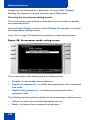
— Press the Back context-sensitive
soft key to dismiss the screen and
return to the screen where you can
select the source data for bulk key
creation.
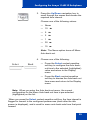
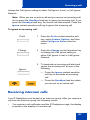
Note: After you select from one of your existing groups, the bulk
creation of the keys happens automatically.
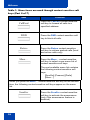
Viewing the existing groups you have in your Address Book
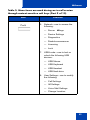
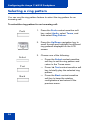
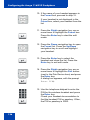
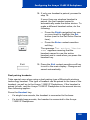
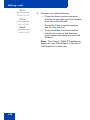
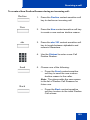
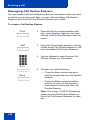
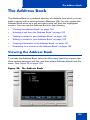
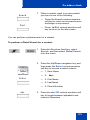
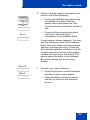
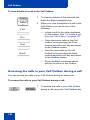
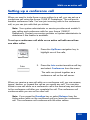
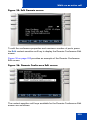
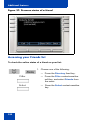
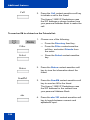
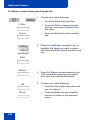
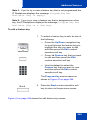
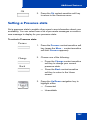
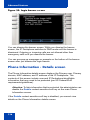
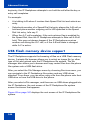
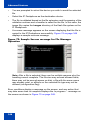
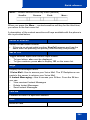
1. When the IP Deskphone is in the idle
mode, press the Directory fixed key to
access your Address Book.
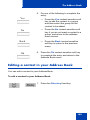
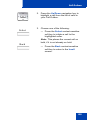
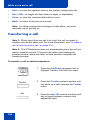
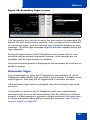
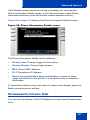
Filter
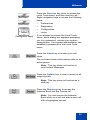
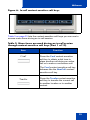
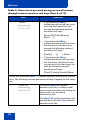
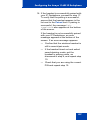
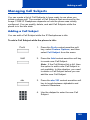
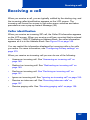
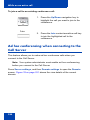
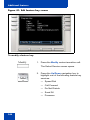
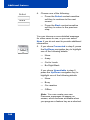
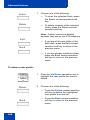
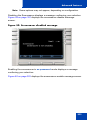
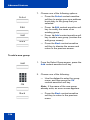
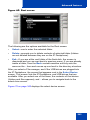
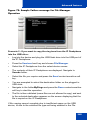
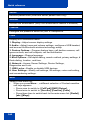
2. Press the Filter context-sensitive soft
key to filter the list of entries displayed in
your Address Book.
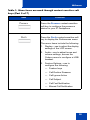
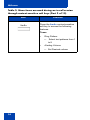
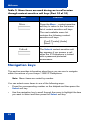
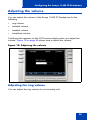
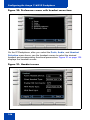
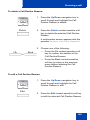
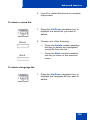
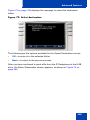
The Select Filter screen appears and
displays all the existing groups in your
address book, as well as the Friends
filter.
331