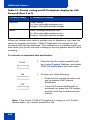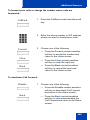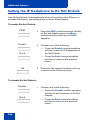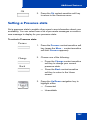
1
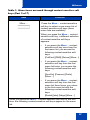
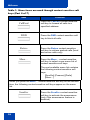
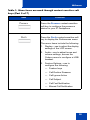
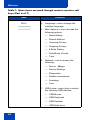
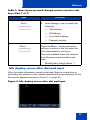
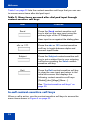
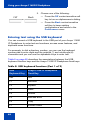
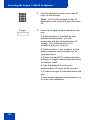
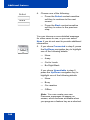
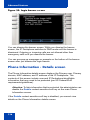
Call Inbox
Exit
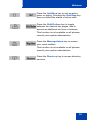
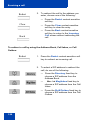
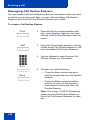
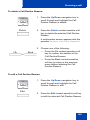
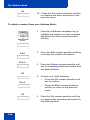
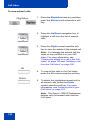
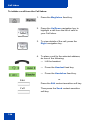
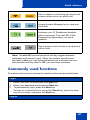
6. To exit the Inbox and return to the idle
phone screen, press the Exit contextsensitive soft key.
Missed Calls Notification
You can change the call log behavior so that the message
xx new calls is cleared by entering the Inbox without having to select
each missed call.
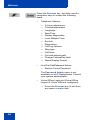
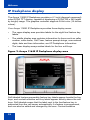
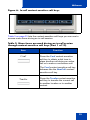
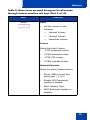
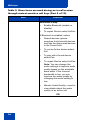
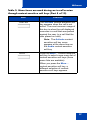
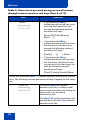
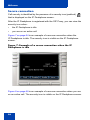
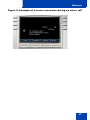
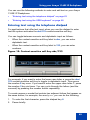
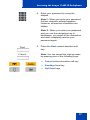
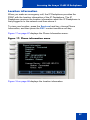
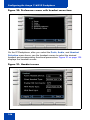
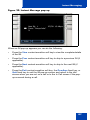
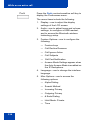
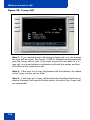
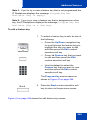
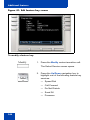
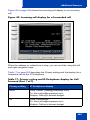
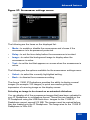
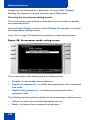
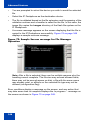
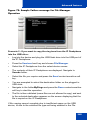
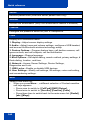
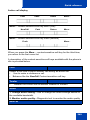
Figure 27 on page 183 displays the Message options screen.
Figure 27: Messages screen
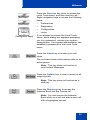
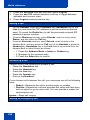
Changing the Missed Calls Notification behavior:
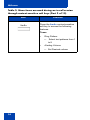
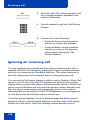
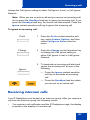
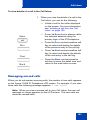
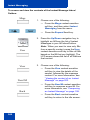
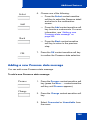
Msgs
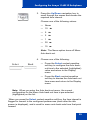
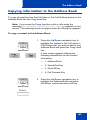
1. Press the Msgs context-sensitive soft
key.
183