1
91-000461-010-000-E5603B manual July0105.qxd
2/13/1950
7:21 PM
Page 20
Phonebook
AT&T
To dial, delete or change entries
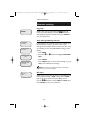
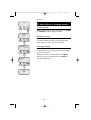
To dial a number
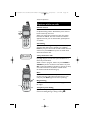
When any phone book entry is displayed, press PHONE
(or SPEAKER) to dial the displayed number.
Andrew
555-6789
To delete an entry
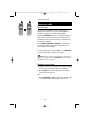
When any phone book entry is displayed, press DELETE
to delete the displayed entry from the phone book.
Once deleted, an entry cannot be recovered.
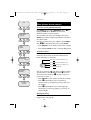
EDIT NUMBER
555-6789_
EDIT NAME
Andy_
To change a listing
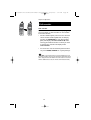
When any phone book entry is displayed, press SELECT
to modify the entry. (See page 18 for help in modifying
the name or number.)
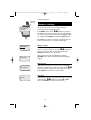
Change the number as needed, then press SELECT.
Change the name as needed, then press SELECT to
save the modified entry.
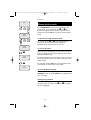
Andy
555-6789
20