1
Installing the Microfoam onto the Bezel
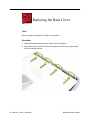
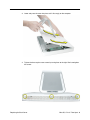
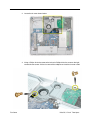
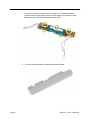
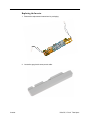
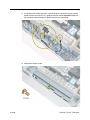
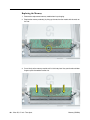
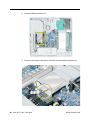
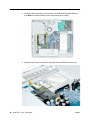
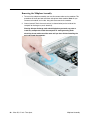
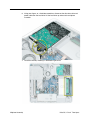
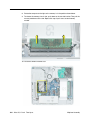
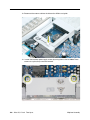
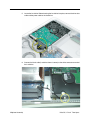
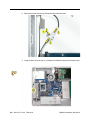
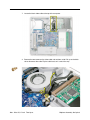
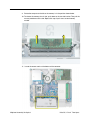
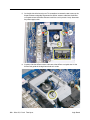
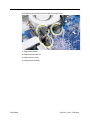
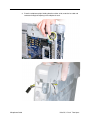
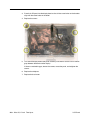
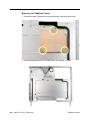
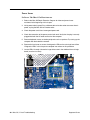
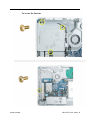
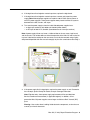
1. Steps 2-7 show photos of the microfoam inside the iMac G5 20-inch computer. The
installation procedure is the same for the 17-inch computer. Go on to the next step.
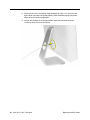
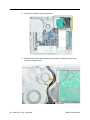
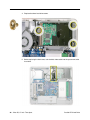
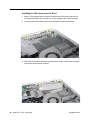
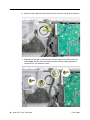
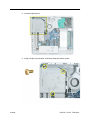
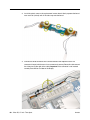
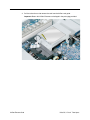
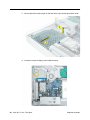
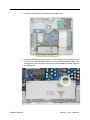
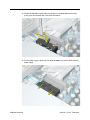
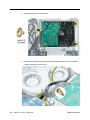
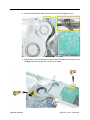
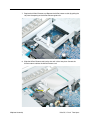
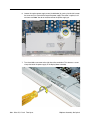
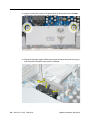
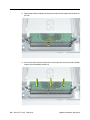
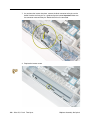
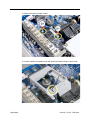
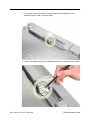
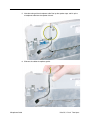
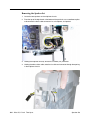
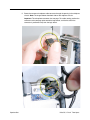
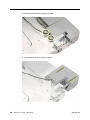
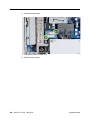
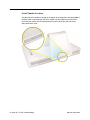
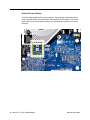
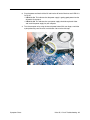
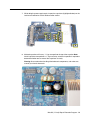
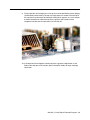
2. Locate the piece of microfoam and the two white posts (circled) on the bezel.
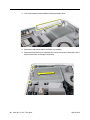
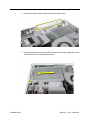
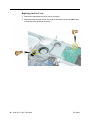
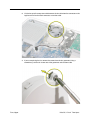
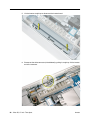
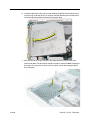
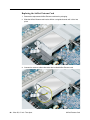
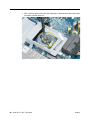
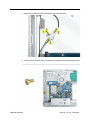
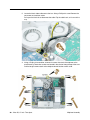
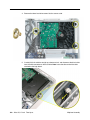
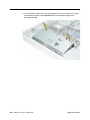
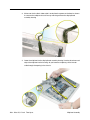
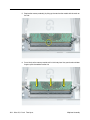
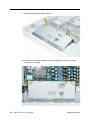
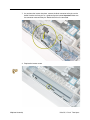
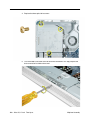
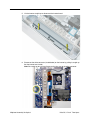
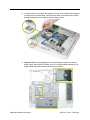
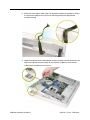
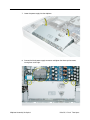
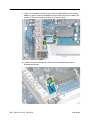
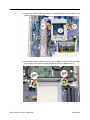
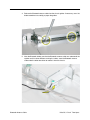
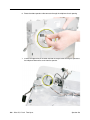
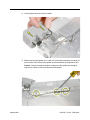
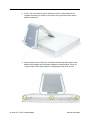
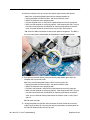
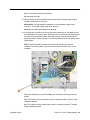
3. With the shiny side of the microfoam facing the bezel, slide the holes of the microfoam
onto the two white posts on the bezel.
36 - iMac G5, 17-inch Take Apart
Microfoam Shim