1
1-16
CHAPTER 1: CONNECTING TO YOUR ISP
Setting up your ISP
information
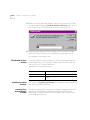
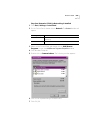
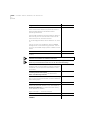
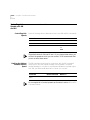
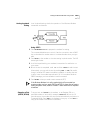
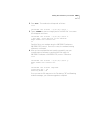
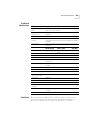
1 Go to Apple Menu | Control Panels | PPP.
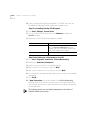
2 In the PPP window, select Registered User.
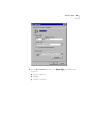
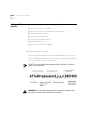
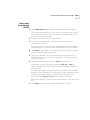
3 Type in your Internet Service providers login name and your password in
the name and password boxes.
4 Put the phone number that you dial to connect to your internet provider
in the number box.
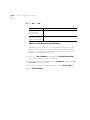
You’ve successfully configured Open Transport PPP!