1
Smart Touch Control
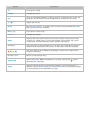
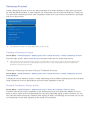
The Smart Touch Control makes it easier and more convenient to use the TV. For example, you can
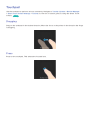
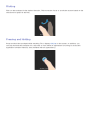
use the remote control's built-in touchpad to move the focus and make selections as you would on a
computer using a mouse. In addition, you can use the virtual remote panel displayed on the screen to
change channels, play media files, and access favourites.
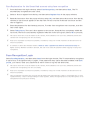
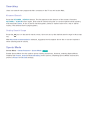
Inserting the Batteries (AAA X 2)
111
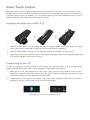
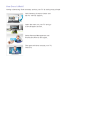
Slightly lift the battery cover by pulling the strap or using a plastic card (e.g. a credit card). Next,
pull on the cover’s notch with a fingernail to remove the cover completely.
222
Insert 2 AAA batteries, making sure to align the positive and negative ends correctly.
333
Align the battery cover with the back of the remote control and press down along the edges until
it is cleanly attached to the remote control.
Connecting to the TV
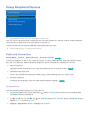
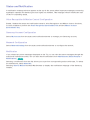
In order to operate the TV using a Smart Touch Control, you must first pair it to the TV via Bluetooth.
However, the Smart Touch Control is only available for the paired Sam.sung TV.
111
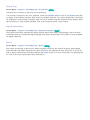
When the TV is off, point the Smart Touch Control at the remote control receiver of the TV and
222
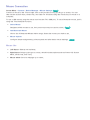
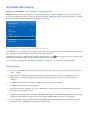
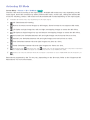
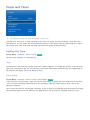
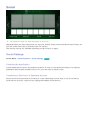
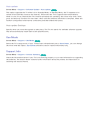
A Bluetooth icon will appear at the bottom left of the screen as shown below. The TV will then
press the TV button for the first pairing. Only this buttons sends an IR signal. The remote control
receiver's location may vary depending on the model.
attempt to connect to the Smart Touch Control automatically.
<Attempting to connect and completion icons>