1
Activating the Timeshift function
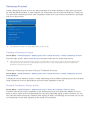
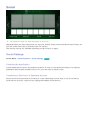
Press ∂ while watching TV to activate the Timeshift function. The Timeshift Progress Bar appears on
the screen.
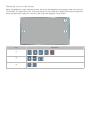
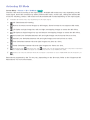
The Timeshift control buttons and functions are as follows:
●● † / …: You can change the playback speed by a factor of up to 7. To restore normal playback
speed, press ∂ button.
●● Drag left / right on the touchpad. Scan 10 seconds backward or forward.
●● ∫: Press while viewing a Timeshift segment to return to real time. Press while in real-time viewing
mode to deactivate the Timeshift function.
●● ∑: Pause the screen. Press ∑ button while in the paused state to scan one paused frame at a time.
Audio is not available when the TV is paused in Timeshift mode, and frame-by-frame scanning
is only available in the forward direction. Press † / … button while in the paused state to resume
playback at 1/4th the normal speed.