1
Intel®Server Board S1200BT TPS
BIOS User Interface
Server Management
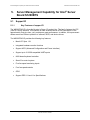
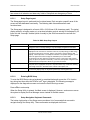
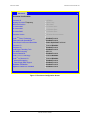
System Information
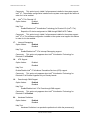
Board Part Number
<Part Number display>
Board Serial Number
<Serial Number display>
System Part Number
<Part Number display>
System Serial Number
<Serial Number display>
Chassis Part Number
<Part Number display>
Chassis Serial Number
<Serial Number display>
Asset Tag
<Asset Tag-display>
HSC Firmware Revision
<HSC FW Rev display>
ME Firmware Revision
<ME FW Rev display>
UUID
<UUID display>
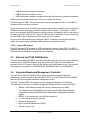
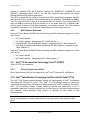
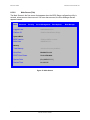
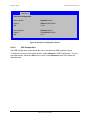
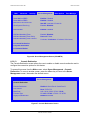
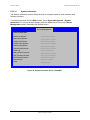
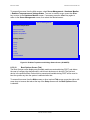
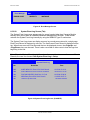
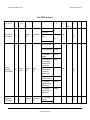
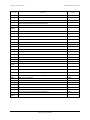
Figure 29.System Information Screen (S1200BTS)
6.5.2.15
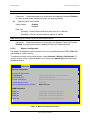
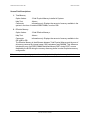
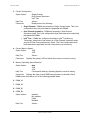
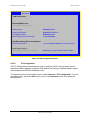
BMC LAN Configuration
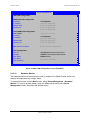
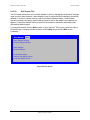
The BMC configuration screen allows the Setup user to configure the BMC Baseboard LAN
channel and the RMM4 LAN channel, and to manage BMC User settings for up to five
BMC Users.
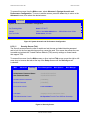
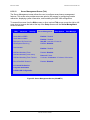
To access this screen from the Main screen, select Server Management > System
Information. To move to another screen, press the <Esc> key to return to the Server
Management screen, then select the desired screen.
Revision 1.0
79
Intel order number G13326-003