1
Advanced Menu
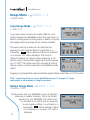
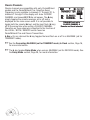
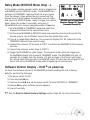
Press /MENU A to enter the Advanced Menu. This menu
contains the advanced functions of the MultiMAX.
Precision timing and sequencing operations are available
in this menu.
/MENU D to cancel advanced functions
☞ Press
and return to normal mode. See the section on D:Go
RECEIVE unit
Advanced Menu
Advanced and D:Go Normal, Page 25.
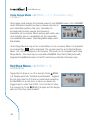
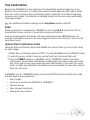
A: Delay Menu – TRANSMITTER –
/MENU A A
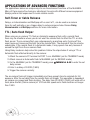
Enters the delay menu for MultiMAX units (set for
TRANSMIT mode).
menus, with the exception of Rear Curtain,
☞ Delay
require numeric entry. See the Numeric Entry
section, Page 24.
Î All delay screens (numeric entry or rear curtain) are
instantly active and triggering can occur while these
screens are displayed. A value displayed on these screens
will be used immediately on trigger. This is useful for fine
tuning a delay or adjusting rear curtain sync.
TRANSMIT unit
Advanced Menu
maximum delay is 9.9999 seconds. For longer
☞ The
delays see the Intervalometer section, Page 35.
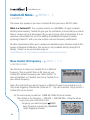
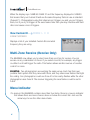
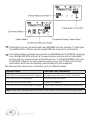
A: Remotes + PORT 2 – /MENU A A A
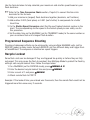
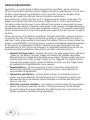
Enters the numeric entry screen. Delays the remote units
and PORT 2. Remote units and PORT 2 will fire at the
same time after the displayed delay. PORT 2 will remain
contacted for the set contact time. On the main display a
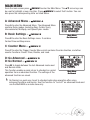
small letter D will appear over the right of the large L to
show that the Local output (PORT 2) will be delayed.
Pressing L will toggle the Local output (PORT 2) on and
off, but the small D will remain.
TRANSMIT unit
Delay Menu
TRANSMIT unit
Remotes + PORT 2 delayed
31