1
PocketWizard.com
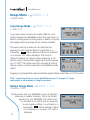
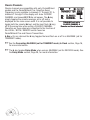
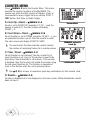
Close Range Mode -
/MENU L A C (Transmitter Only)
C:CLOSE-CT
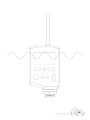
Close range mode reduces the transmit power of your MultiMAX when it is in TRANSMIT
mode. This mode is useful if you have a receiver very close to
your transmitter (within a few feet). Normally it is
recommended to keep several feet between a
transmitter and a receiver. When working with radios very
close together, like on a basketball net, the transmitter
can overwhelm the receiver. Close Range Mode helps correct
that situation.
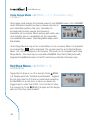
Close Range Mode is only set on a transmitter, not on a receiver. When it is activated
on a transmitter, CT will be displayed. The receiver must be set to Normal Range
Mode. -RX- will be displayed on the receiver. This mode is not compatible with Long
Range Mode. This mode can be used with a MultiMAX, Plus, Plus II, flash packs with
integrated PocketWizard radios or FlexTT5 as Receiver (standard channels only).
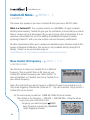
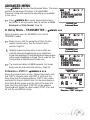
Hot Shoe Menu - /MENU L B
B:HOTSHOE OFF
Toggle the hot shoe on or off as needed. Press /MENU
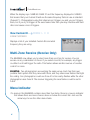
L B. Display will show “Hotshoe Input Disabled”. Toggling
the hot shoe input to OFF may be useful when mounting
the MultiMAX on a cold shoe, or when you desire the
trigger input to come from PORT 1 and not the hot shoe
it is mounted in. Press /MENU L B again and the display
will read “Hot shoe Input Enabled”.
iii