1
9
WEB FILTER SETTINGS
Start/Stop Service Tab
START/STOP SERVICE TAB
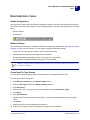
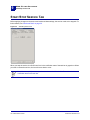
Before applying changes to the service and monitored data settings, the service needs to be stopped. For
further details, see "Monitored Data" on page 34.
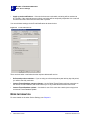
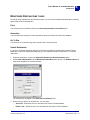
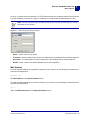
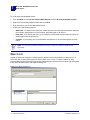
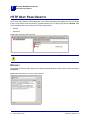
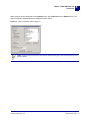
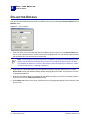
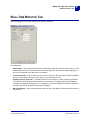
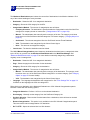
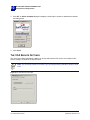
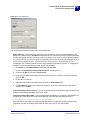
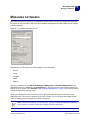
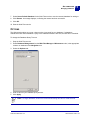
Figure 9-2
Start/Stop Service tab
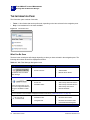
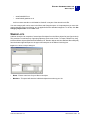
When you stop the service, the SurfControl icon in the notification area of the task bar is grayed out. When
you start or restart the service, the icon will revert back to color.
Note: You can quickly start, stop, and restart the service from the SurfControl icon in the
notification area on the task bar.
100 Administrator’s Guide
SurfControl Web Filter v5.5