1
156
Fill, Lines, Colours, and Transparency
Applying a gradient fill
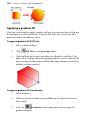
There are several ways to apply a gradient fill as a line colour or object fill: using
the Fill Tool or via the Swatch tab . Using the Fill Tool, you can vary the fill's
path on an object for different effects.
To apply a gradient fill (Fill Tool):
1.
Select a coloured object.
2.
Click
3.
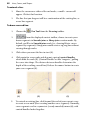
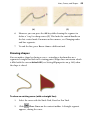
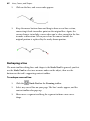
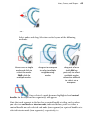
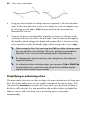
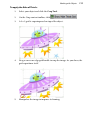
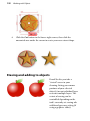
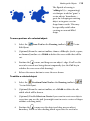
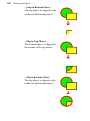
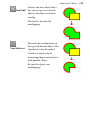
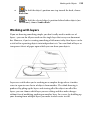
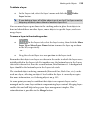
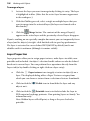
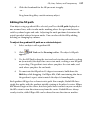
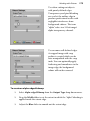
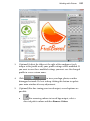
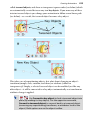
Click and drag on the object to define the fill path (a solid line). The
object takes a simple Linear fill, grading from the current colour of the
object, ending in white (objects filled with white will grade from white
to black, to show contrast).
Fill Tool on the Drawing toolbar.
To apply a gradient fill (Swatch tab):
1.
Select an object.
2.
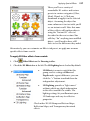
Click the Swatch tab and ensure the Fill swatch is placed in front of
Line swatch.
3.
Select the
Gradient button's drop-down menu and pick a
gradient category.