1
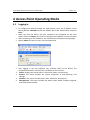
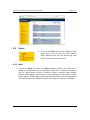
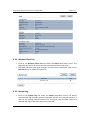
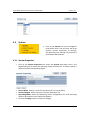
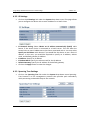
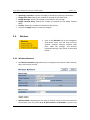
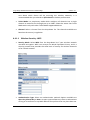
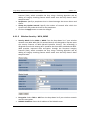
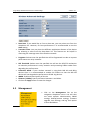
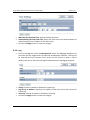
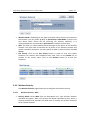
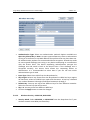
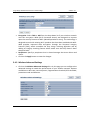
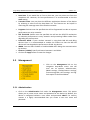
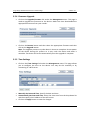
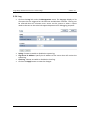
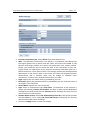
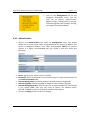
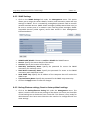
Long Range Wireless Access Point / Client Bridge Version 1.0 Protocol (TKIP), which scrambles the keys using a hashing algorithm and by adding an integrity checking feature which makes sure that keys haven’t been tampered with. Passphrase: Specify a passphrase that is shared amongst the Access Points and clients. Group Key Update Interval: Specify the number of seconds after which the Access Point will probe the client for the passphrase. Click on the Apply button to save the changes. 4.4.1.3 Wireless Security – WPA, WPA2 Security Mode: Select WPA or WPA2 from the drop‐down list if your wireless network uses WPA. WPA (Wi‐Fi Protected Access) was designed to improve upon the security features of WEP (Wired Equivalent Privacy). The technology is designed to work with existing Wi‐Fi products that have been enabled with WEP. WPA provides improved data encryption through the Temporal Integrity Protocol (TKIP), which scrambles the keys using a hashing algorithm and by adding an integrity checking feature which makes sure that keys haven’t been tampered with. Encryption: Select TKIP or AES from the drop‐down list if your wireless network uses this encryption. RADIUS IP Address: Enter the IP address of the RADIUS server. 21