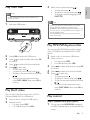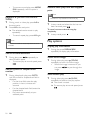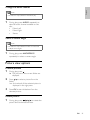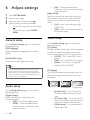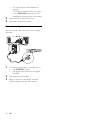
1
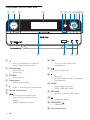
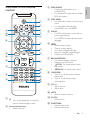
m SUBTITLE
• Select a subtitle language.
n GOTO
• During disc play, specify a position to
start play.
o ANGLE/PROG
• Select a DVD camera angle.
• Program radio stations.
p Numeric keypad
• Select a title/chapter/track directly.
q
•
r
Stop play.
/
•
•
•
Skip to the previous/next track.
Skip to the previous/next title or
chapter.
Select a preset radio station.
•
Start or pause play.
s
t DSC
• Select a preset sound setting.
u OK
• Confirm a selection.
v A-B
• Repeat a specific section within a
track/disc.
w SYSTEM MENU
• Access or exit the system setup menu.
x MODE/DIM
• Select repeat play modes.
• Select shuffle play modes.
• Select a brightness level for the display
screen.
12
EN