1
5.3.3.
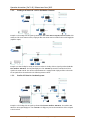
Wireless Site Survey
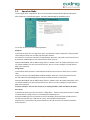
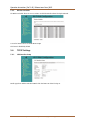
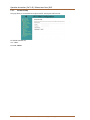
Before applying the settings you have to decide to which Wi-Fi network you want the EoC 2-01 to connect to.
You can rescan the available networks using the "Site Survey" button on top.
5.3.4.
Wireless Advanced Settings
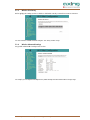
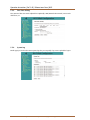
Very specific advanced Wi-Fi settings can be set here.
For example you can adjust the RF Output Power, which directly correlates with the Wi-Fi coverage range.
2015-01-19 | © AXING AG Schweiz | Konstrukions -, Typenänderung, Irrtümer und Druckfehler vorbehalten
15