1
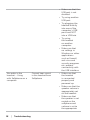
headset to the
appropriate level.
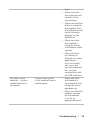
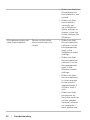
Cannot pause
Windows Media Player
while on an incoming/
outgoing call
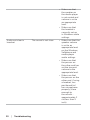
Music from Windows
Media Player does not
stop when you take a
call
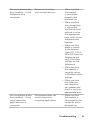
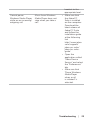
• Make sure that
the Jabra PC
Suite is installed
on the computer.
Download the
latest release of
Jabra PC Suite
and follow the
installation guide
at the following
link
http://www.jabra.
com/support/
jabra-pc-suite/
jabra-pc-suiteguide.
• Open the
application called
“Jabra Device
Service” and select
the “Preferences”
tab.
• Make sure that
“Pause Windows
Media Player
when a call
is initiated” is
selected.
Troubleshooting │ 23