1
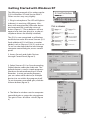
Getting Started with MAC OS X
The following example is for setting up the
Q1U in MAC OS X .
ENGLISH
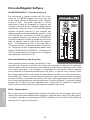
1. Plug in microphone. The LED will light
to indicate it is receiving USB power. The
MAC will recognize the USB audio device
and automatically install a universal driver.
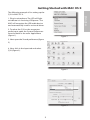
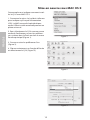
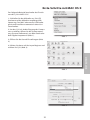
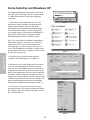
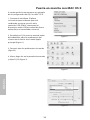
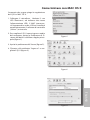
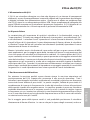
2. To select the Q1U as the computers
audio input, open the System Preferences
from the dock or the main Apple Menu
(figure 1).
Figure 1
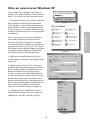
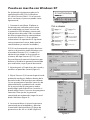
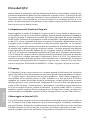
3. Next open the Sound preference (figure
2).
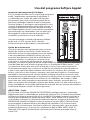
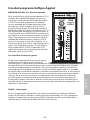
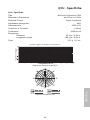
4. Now, click in the Input tab and select
Q1U (figure 3).
Figure 2
SAMSON Q1U
Figure 3