1
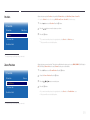
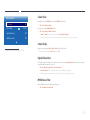
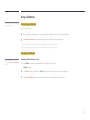
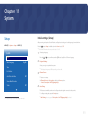
Change PIN
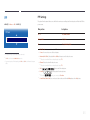
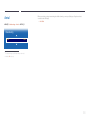
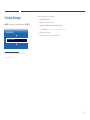
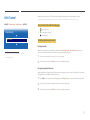
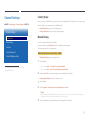
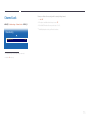
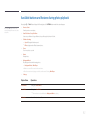
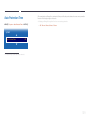
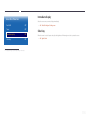
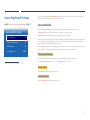
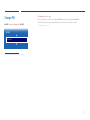
MENU m → System → Change PIN → ENTER E
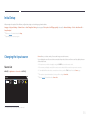
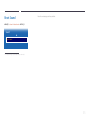
The Change PIN screen will appear.
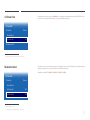
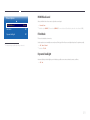
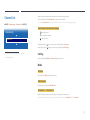
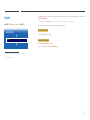
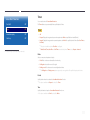
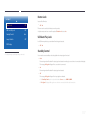
Choose any 4 digits for your PIN and enter it in Enter New PIN. Reenter the same 4 digits in Confirm New PIN.
When the Confirm screen disappears, press the Close button. The product has memorized your new PIN.
――Default password: 0 - 0 - 0 - 0
System
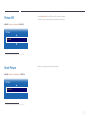
Change PIN
-- The displayed image may differ depending on the model.
119