1
Using It (cont’d)
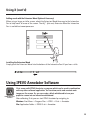
Adding reach with the Extension Wand (Optional Accessory)
When using a larger or taller screen, attach the Extension Wand Accessory to the Interactive
Pen to help reach all areas of the screen. The 16.5” (420 mm) Extension Wand for Interactive
Pen is available at www.ipevo.com
25
Installing the Extension Wand
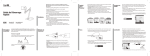
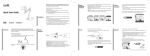
Simply push the Extension Wand into the bottom of the Interactive Pen till you hear a click.
Using IPEVO Annotator Software
IPEVO Annotator
Software
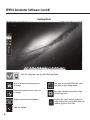
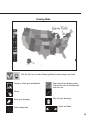
IS-01 comes with IPEVO Annotator, a program which can be used in combination
with any other software/application. You can draw, write and annotate onto
images on the screen. Or, you can create a blank whiteboard to turn your
projector screen into an interactive whiteboard.
After calibrating IS-01, you can start IPEVO Annotator by navigating to:
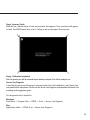
Windows: Start Menu -> Program Files -> IPEVO -> IS-01 -> Annotator
Mac: Application Folder -> IPEVO IS-01 -> Annotator
13